Trying to figure out how to find OnlyFans near me? You've probably already hit the main roadblock: OnlyFans itself doesn't have a location search. It’s a deliberate choice they made to protect creator privacy, but it leaves fans guessing.
The only real way around this is to use a specialized third-party tool like Fanclan. These platforms do the heavy lifting by gathering the public location info creators have already shared, making it easy to find talent right in your own city.
Why Finding Local Creators Matters
There's something different about connecting with a creator who might live just a few miles away. It adds a layer of community and relatability that you just don't get otherwise. You're not just a fan; you're supporting a local.
But again, the platform itself stands in the way. Without a native search feature, you’re left with a few clunky, time-consuming options. This is exactly why a dedicated search directory is such a game-changer—it bridges the gap between what fans want and what the platform offers.
The Challenge of Searching Manually
If you try to go it alone without a tool, you're in for a grind. The manual methods are pretty inefficient:
- Social Media Detective Work: You could spend hours scrolling through bios on X (formerly Twitter) or Instagram, hoping to spot a location clue.
- Keyword Guessing: Manually searching for city or state names in OnlyFans bios is slow and rarely works unless you get lucky.
- Forum Hopping: Sifting through Reddit threads for recommendations is a total crapshoot. You might find a gem, or you might waste an entire afternoon.
This is where a dedicated search tool makes all the difference, transforming scattered public data into a simple, interactive map of creators in your area.
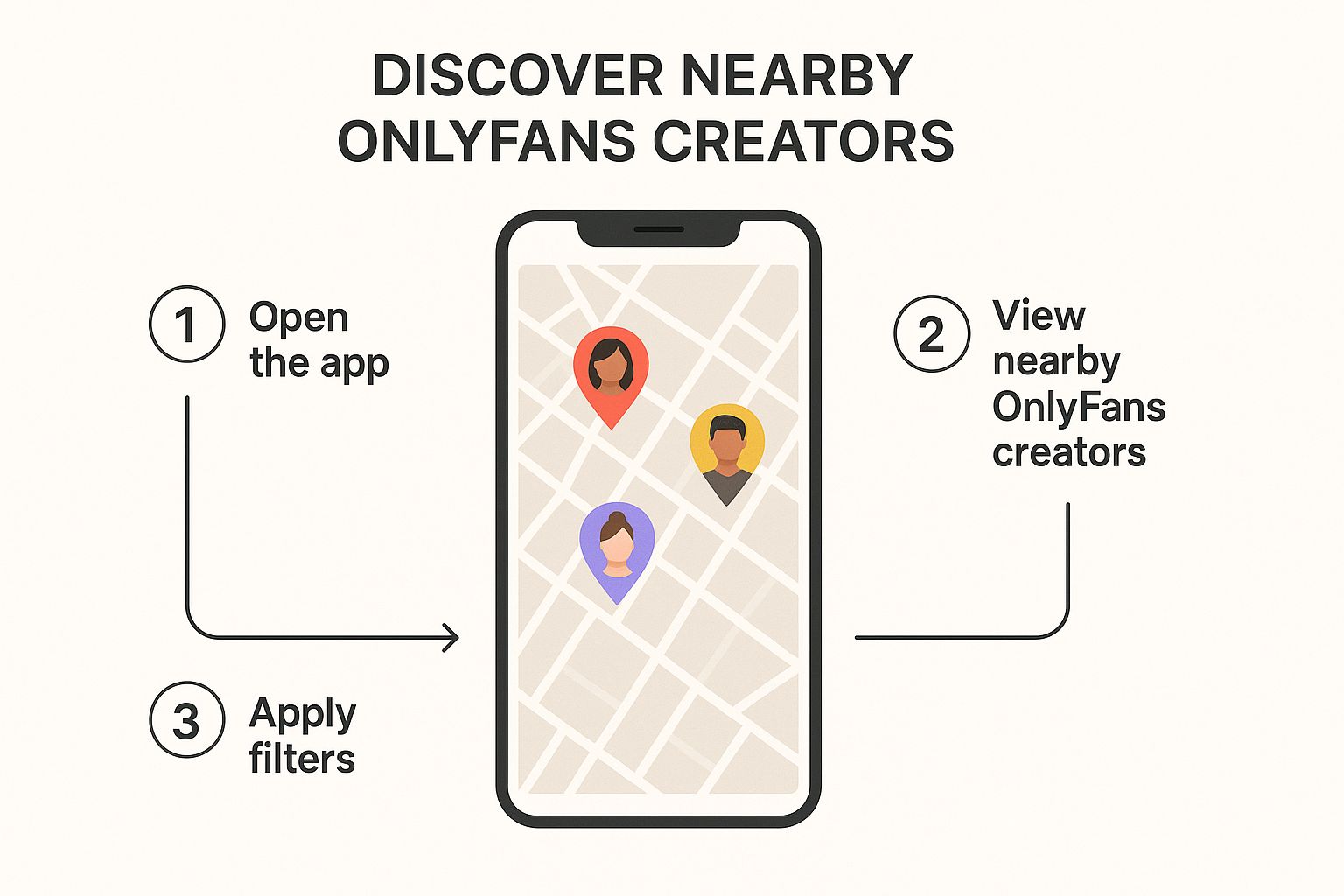
With over 305 million users and monthly visits pushing past 400 million, the demand for better search tools is obvious. The key is simply using technology to organize the public information that's already out there.
The real benefit of finding local talent is the personal connection. When a creator mentions a local coffee shop you know or a landmark you've visited, it creates a more relatable and engaging experience for the subscriber.
At the end of the day, using a specialized platform is your best bet. While finding a specific person is a different challenge (we cover that in our guide on how to search for someone on OnlyFans), discovering local creators is all about using the right location-based filters.
Navigating Fanclan for Location-Based Searches

Alright, this is where the fun starts. When you’re ready to find OnlyFans near me, Fanclan is the place to be. Forget endless scrolling and guessing games—the platform is built specifically for local discovery.
Your best friend here is the ‘Near You’ filter. It’s front and center, so you can't miss it. Just pop your city, state, or zip code into the search bar, and you're off. The system instantly pulls up a list of creators who’ve tagged themselves in that location, giving you a quick look at who’s in your area.
For example, if you type in "Austin, TX," Fanclan filters its entire massive database down to just the creators in and around the city. It’s that simple. This is your starting point for connecting with talent right in your own community.
Getting The Most Out Of Your First Search
The first set of results is like a highlight reel. You'll see a quick snapshot of each creator, but you’ll want to dig a little deeper to find the best matches. Pay attention to the profile summaries—they usually have a short bio, subscription price, and an indicator of their recent activity. These little details tell you a lot before you even click.
As you scan the results, keep an eye out for these things:
- Profile Vibe: Is their bio detailed? Do they have a good mix of public content previews? A well-filled-out profile is usually a sign of an active, engaged creator.
- Location Accuracy: Some creators list a specific city, while others might just put a general state or region. This can give you a clue about how comfortable they are sharing their location.
- Last Seen Active: Fanclan is great about showing when a creator was last online. This helps you avoid wasting time on accounts that haven't been active in months.
Pro Tip: Remember, the location data is all self-reported by the creators. It's a fantastic starting point, but it's always smart to look for other clues on their profile to get a better sense of where they are.
This first search is all about casting a wide net and seeing who’s out there. You’re essentially building a shortlist of local creators to check out more closely. For an even more detailed walkthrough, you should check out our guide on how to find local creators with Fanclan's Onlyfinder by location.
Next, we’ll get into how to use advanced filters to really zero in on exactly what you’re looking for.
Key Search Features on Fanclan
To help you get the hang of it, here’s a quick rundown of the most useful search features on Fanclan. Mastering these will make your search for local talent way more efficient.
| Feature | What It Does | Best For |
|---|---|---|
| Near You Filter | Searches for creators based on city, state, or zip. | Finding creators in your immediate geographic area quickly and easily. |
| Advanced Search | Narrows results by niche, price, age, and more. | Refining your search to find specific types of content or creators. |
| Profile Previews | Shows key info like bio, price, and activity. | Quickly scanning and evaluating potential creators without leaving the results page. |
These tools are designed to work together, giving you the power to go from a broad location search to a highly specific set of results in just a few clicks. It's all about making discovery as intuitive as possible.
Using Advanced Filters to Target Your Search
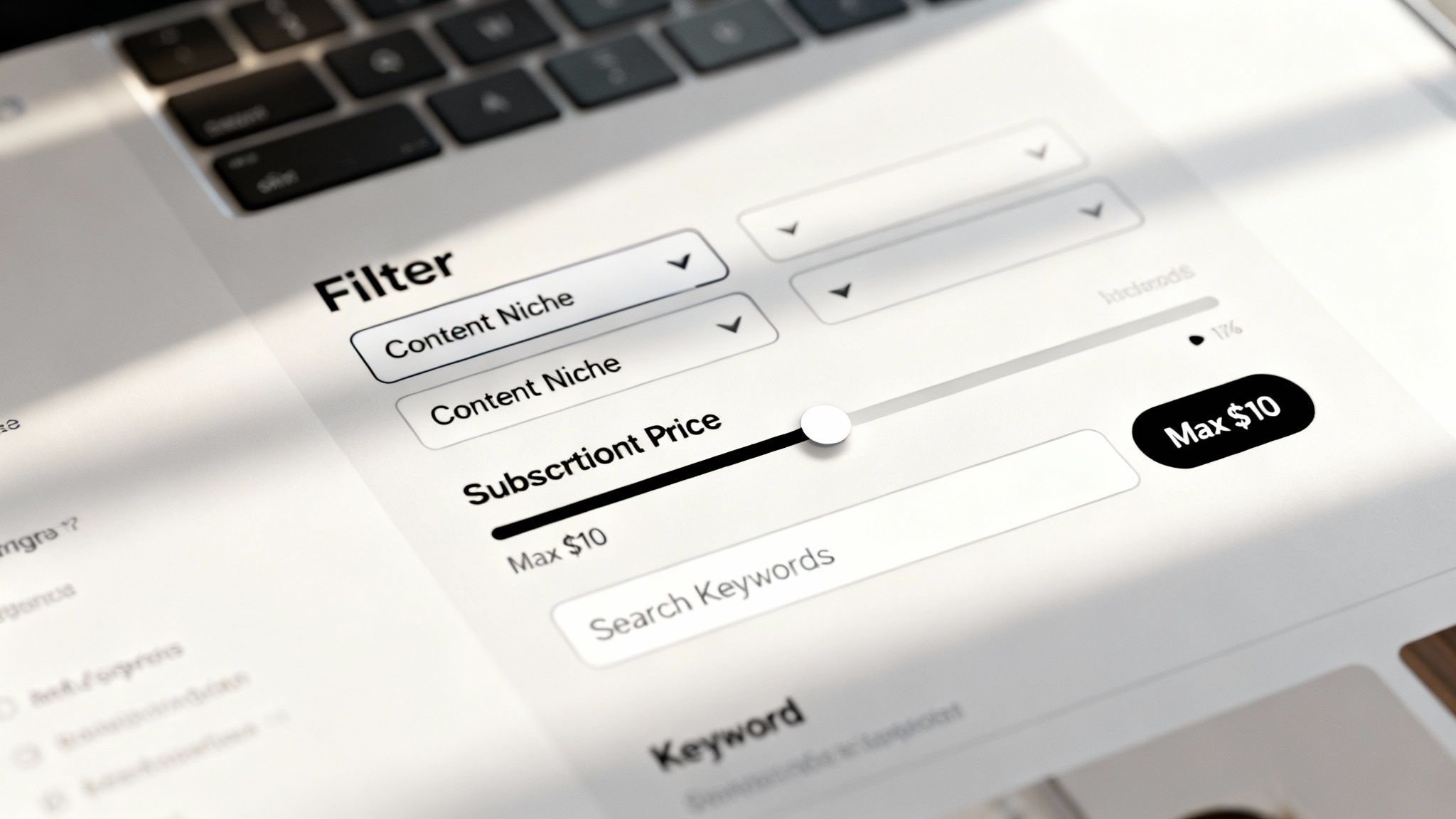
Okay, so you've found a bunch of creators in your city. That's a great start, but now it's time to zero in on exactly who you're looking for. This is where Fanclan's advanced filters really shine, letting you cut through the noise and find creators who match your specific tastes.
Think of it this way: your first search for local talent is like walking into a massive record store. The advanced filters are how you flip straight to the right genre, artist, and album.
Instead of endlessly scrolling, you can dial in your preferences. Say you’re in Los Angeles and want a cosplay creator whose subscription is under $10. Just pop in those filters alongside your location search, and boom—you get a perfectly curated list in seconds.
Refining by Content Niche and Keywords
One of the best ways to narrow things down is by filtering for a specific content niche. Whether you’re into fitness models, artists, or gamers, you can select those categories and instantly clear out everyone who doesn't fit the bill.
But you can get even more granular with keywords. This feature scans creator bios for any term you want. For example, if you’re looking for someone who specializes in "feet" content, just add that keyword to your search.
- Niche Filters: Use these for broad categories like "alternative," "tattooed," or "fitness."
- Keyword Searches: Get super specific with terms like "ASMR" or "lingerie."
Using both together is the fastest way to connect with creators making the exact content you're after.
Filtering by Price and Activity
Your budget and the creator's activity level are two more game-changers. You can set a max subscription price to make sure you only see profiles you can afford. It's perfect for finding hidden gems or going straight to premium accounts if that's your style.
The "Last Seen" filter is just as crucial. It lets you weed out inactive accounts by only showing creators who have been online recently. This means you're way more likely to sub to someone who's actually posting new content and chatting with their fans.
Pro Tip: Stacking these filters is the secret sauce. A search for active creators in "Chicago" under "$8" who mention "cosplay" is infinitely more powerful than just searching for a city.
With the creator economy exploding—creators earned a staggering $5.35 billion in 2023—having powerful search tools is more important than ever. If you're curious about other platforms with these kinds of features, check out our list of the 7 best OnlyFans finder tools for 2025.
How to Authentically Verify a Creator's Location
Using a tool like Fanclan to find OnlyFans creators near you is a great start, but it's always a good idea to do a little digging yourself. Why? Because location data is self-reported by the creators. A bit of light detective work can help you confirm you're connecting with someone who is genuinely in your area.
The trick is to look for the subtle, public clues they leave in their content and on their profile. You're not trying to be a private investigator, just a savvy observer piecing together the information they've already decided to share.
For example, take a close look at the backgrounds in their photos and videos. Do you see any recognizable local landmarks, street signs, or even specific architecture that just screams your city? A creator in Chicago might have the iconic skyline in a picture, while someone down in Miami might post content from South Beach.
Reading Between the Lines
A creator’s bio and post captions can be absolute goldmines for local hints. They probably won't drop their exact street address, but they'll often share little details you’ll pick up on if you're also from the area.
Keep an eye out for mentions of things like:
- Local Sports Teams: Nothing says "local" like someone complaining about the hometown team's latest fumble.
- Weather Complaints: If they're posting about a freak snowstorm in May, you can bet they aren't in Southern California.
- Mentions of Events: Chatter about a local music festival, a popular farmer's market, or a city-wide event is a massive clue.
A creator's casual post about "grabbing a coffee at that spot on Main Street" can be a more powerful confirmation of their location than the city listed on their profile. It’s those small, authentic details that really build the full picture.
Of course, it’s also important to be aware that people can misrepresent themselves online. While most creators are honest, verifying their location helps ensure you’re making a genuine connection. It's just smart practice to know how to avoid online scams and protect your data. By pairing a great search tool with some careful observation, you can confidently find and support creators right in your own community.
Why Supporting Local Creators Matters
When you make a point to find OnlyFans near me, you're doing a lot more than just finding new content. You're directly investing in your local community. Every single subscription or tip goes to an independent creator trying to build their own small business right in your area.
That support has a real ripple effect. The money you spend is far more likely to get cycled back into local coffee shops, stores, and services, which helps strengthen the digital economy in your own city. It’s a simple way to make a tangible impact.
Building a Stronger Connection
Beyond the money, there's a different kind of connection you get from following a creator who lives nearby. They might complain about the same crosstown traffic you hate or post a story from that park you always go to.
These little shared experiences make the whole dynamic feel more personal and relatable. You just don't get that same vibe from a creator living on the other side of the globe.
Supporting a creator from your own town adds a layer of authenticity you can't fake. It's about building a genuine bond over a shared local identity, which makes their content feel more relevant and personal to you.
This trend of supporting local talent is huge, especially in the United States. With the U.S. accounting for nearly 48.82% of all OnlyFans traffic, there’s a massive audience ready to connect locally. You can dig into more stats about the platform's global user base at OFStats.net.
If you’re curious how this support translates into real earnings for creators, check out our deep dive on the average OnlyFans income.
Common Questions About Finding Local Creators
When you're trying to find OnlyFans near me, a few questions always seem to pop up, especially when using third-party search tools. You want to know you're doing it right and staying safe. Let's tackle some of the biggest uncertainties head-on.
Is It Safe to Use Tools Like Fanclan?
Absolutely. A well-built search directory like Fanclan is designed with user safety as a priority. Think of it this way: these tools are just organizing publicly available information. They pull data that creators have already decided to share on their bios or social media profiles.
Crucially, they will never ask for your OnlyFans login or any payment details. Just stick to reputable platforms and you'll be fine. Your OnlyFans password should only ever be entered on the official OnlyFans website.
The bottom line is that these search directories are simply aggregators. They make public info easy to search, but they don’t touch anything private. It's a secure way to discover creators.
Why Can't I Just Search by Location on OnlyFans Itself?
This is the big question, isn't it? The official OnlyFans platform deliberately left out a location search feature. It’s a deliberate choice, most likely to protect creators' privacy and prevent any unwanted or awkward real-world encounters.
That exact limitation is why tools like Fanclan exist. They step in to fill a massive gap in the user experience, giving you the search power that the main platform doesn't offer.
What if I Can't Find Creators in My Small Town?
Hitting a dead end when you live in a less populated area is totally normal, so don't get discouraged. The fix is usually pretty simple: just broaden your search horizons a bit.
If your town-specific search comes up empty, try these strategies:
- Search the Nearest Big City: Pop open a map and find the closest major metropolitan area. Creators naturally cluster in more urban centers.
- Expand to a Statewide Search: This gives you a much wider net and a better sense of who’s in your general region.
- Check Back Later: The platform is always growing. New creators are joining every single day, so a search that’s empty today might have results next month.
Remember, the location data is only as good as what the creators have publicly shared. Some might list a major city for privacy even if they live in a suburb. That’s why it’s so important to use the verification tips we covered earlier to confirm you’ve found a genuine local creator.
Ready to stop guessing and start finding? Fanclan provides the powerful location filters you need to finally see who’s creating in your area. Start your search on Fanclan today and connect with talent right around the corner.