If you've ever tried to find someone on OnlyFans, you've probably run into a brick wall. The short answer is you can't—at least not with a simple search bar on the website.
The platform intentionally lacks a public search function, making it impossible to look up creators by name or username. This isn't a bug; it's a core design choice built around privacy.
Why You Can't Search Directly on OnlyFans
The missing search bar is a common headache for new users, but it's central to how OnlyFans operates. The platform was designed as a closed ecosystem, prioritizing direct connections between creators and fans over wide-open discovery.
This entire approach is heavily tilted toward protecting creators and giving them absolute control over who finds them. By ditching a public search tool, OnlyFans minimizes the risk of harassment and stops people from stumbling upon creators who prefer to keep a low profile. It’s a privacy-first model, and it's fundamental to their business.
Core Reasons for No Search Bar
It really boils down to three key principles:
- Privacy Protection: This is the big one. It prevents unwanted attention and helps creators control who sees their profile.
- Creator Control: Creators are in the driver's seat. They decide where and how to promote their pages, usually through their other social media accounts.
- Community Exclusivity: This creates a more private, subscriber-centric vibe. The content feels more valuable because it isn't just out there for anyone to find.
This infographic breaks down exactly why the platform sticks to its guns on the no-search policy.
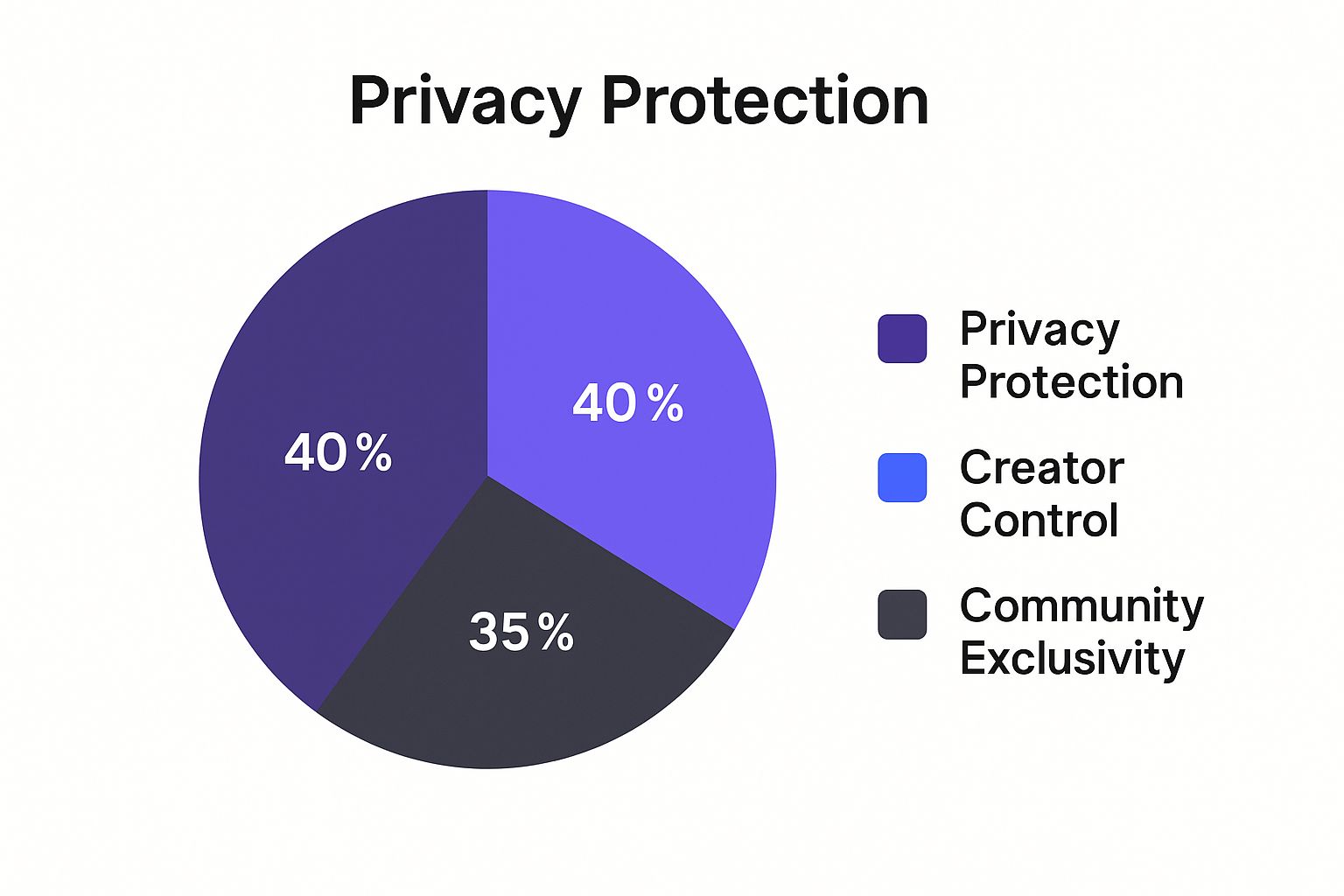
As you can see, it all comes back to empowering creators and safeguarding their privacy. If you’re running into other search-related problems, you might want to check out our guide on what to do when OnlyFans search is not working.
Even with its massive popularity—pulling in up to 451 million visits per month—OnlyFans hasn't budged on this closed model. This setup forces all the discovery to happen off-platform, which is why the workarounds we'll cover next are so important. You can find more details on OnlyFans' impressive growth and user base over at Vocal.media.
Using Social Media to Find Creators
Since you can't just type a name into OnlyFans and hit 'search,' the best way to find creators is to go where they are already promoting themselves: social media. Platforms like X (formerly Twitter), Instagram, and Reddit are the real search engines for OnlyFans.
Think about it from the creator's perspective. With an estimated 4.2 to 4.6 million creators on the platform, competition is fierce. That massive number, which jumped by 29% in the last year alone, forces creators to market themselves constantly. You can track creator growth trends and what they mean for the market over at OFStats.net.
This is actually great news for fans. It means creators are leaving a trail of digital breadcrumbs on their social profiles, leading you straight to their OnlyFans page.

Where to Look and How to Search
Each social media platform has its own vibe and unwritten rules. A search strategy that works on one will completely fail on another.
X (Twitter) - The Direct Route: This is usually the most straightforward place to look. X has more relaxed content policies, so creators often post their OnlyFans link right in their bio or a pinned tweet. Try searching for specific phrases like
"fitness model" onlyfans linkor"cosplayer" OFto find exactly what you want.Instagram - The Subtle Approach: Instagram is much stricter, so you have to read between the lines. Creators often use a "link in bio" service like Linktree and hint at it with phrases like "spicy link" or "see more in my bio." You can also search hashtags like
#OFcreatoror niche-specific ones to find accounts.Reddit - The Community Hub: Don't sleep on Reddit; it's a goldmine for discovery. You can find niche subreddits like r/OFReviews or communities built around specific interests (like r/YogaPants) that are packed with user recommendations and creators promoting their own pages. Searching within these communities often gives you vetted suggestions from other fans.
Pro Tip: Stop just searching for "OnlyFans." You'll get much better results by combining that term with keywords related to your actual interests. Think about specific niches, hobbies, or even physical attributes to narrow down the search. This turns a random hunt into a targeted mission.
A Quick Guide to Social Media Search
To make it even clearer, here’s a breakdown of how to approach each platform for the best results.
Social Media Search Strategy Comparison
| Platform | Best For Finding | Common Hashtags/Keywords | Success Rate |
|---|---|---|---|
| X (Twitter) | Direct links and explicit promotion | #onlyfans #OFmodel + niche terms |
Very High |
| Influencers and creators using "link in bio" | #OFcreator #linkinbio + niche tags |
Medium | |
| Niche communities and fan recommendations | Search within subreddits (e.g., r/cosplaygirls) | High | |
| TikTok | Teaser content leading to other socials | #spicytok (rarely direct OF links) |
Low-Medium |
Each platform serves a different purpose in a creator's marketing funnel, but combining them is the key to finding exactly who you're looking for.
Putting It All Together: A Real-World Example
Let's imagine you're looking for a creator who focuses on vegan cooking. A generic search is just going to waste your time. Instead, you'd use a multi-platform strategy.
- On X: Start by searching for terms like
"vegan chef" onlyfansor the hashtag#veganOF. - On Instagram: Find popular vegan influencers and immediately check their bio for any links.
- On Reddit: Head over to a community like r/VeganRecipes and search for posts that mention OnlyFans.
This systematic approach plays to each platform's strengths and massively boosts your chances of success. By understanding how creators market themselves, you can effectively turn social media into your personal search directory.
For an even deeper dive into discovery tactics, check out our full guide on how to find the best OnlyFans models using various platforms.
Navigating Third-Party Search Directories
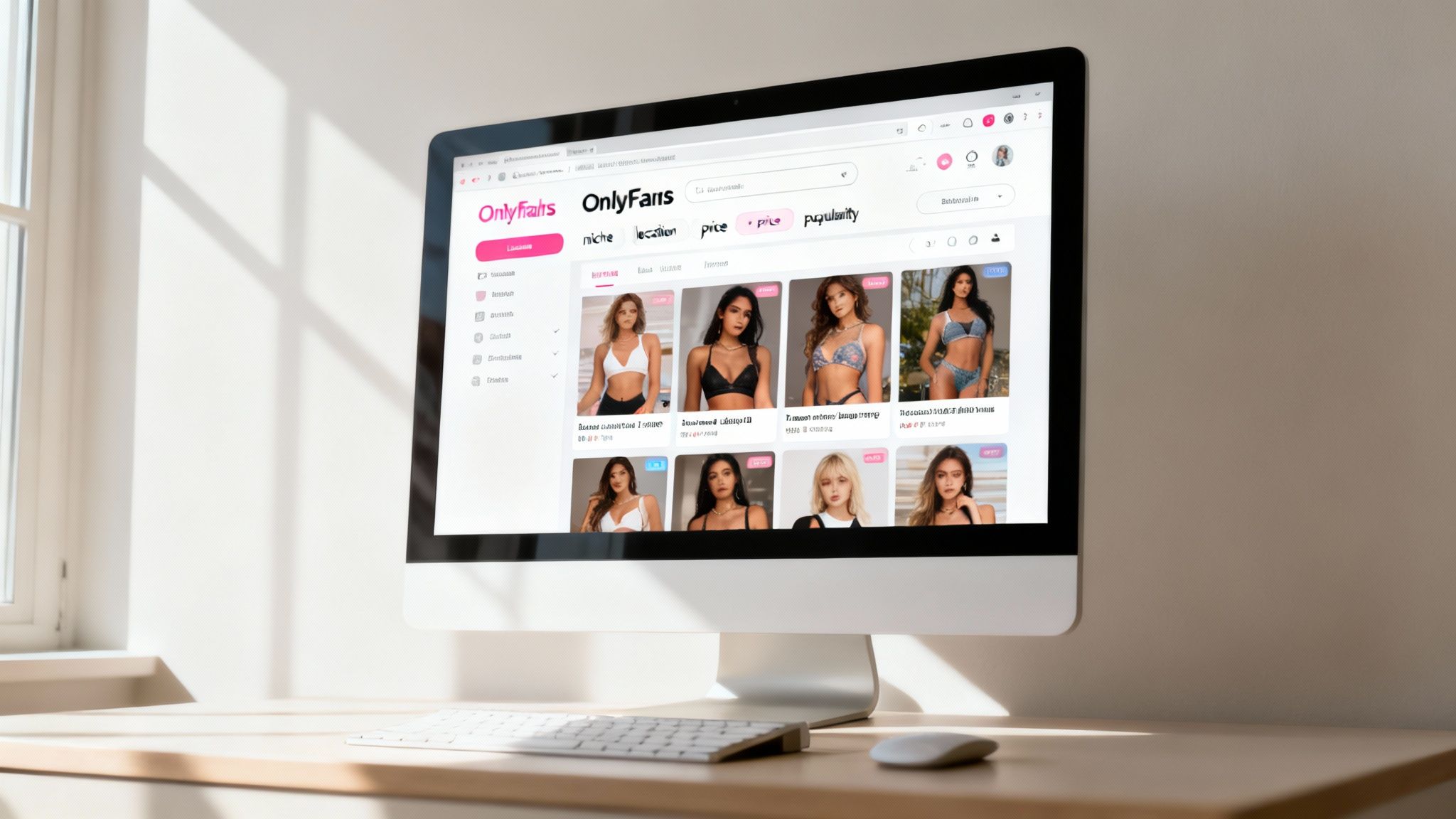
Since OnlyFans famously leaves discovery up to creators, a whole industry of third-party search directories has sprung up to fill the gap. Think of them as unofficial search engines for the platform, gathering creator profiles into one big, searchable database. It's a much better alternative to just endlessly scrolling through social media hoping to find someone new.
These directories work by scraping publicly available information, letting you slice and dice your search in ways OnlyFans itself doesn't support. You can usually filter by specific categories, location, how much a subscription costs, or even physical traits. This makes them an incredibly powerful tool if you're trying to find creators in a specific niche.
Using Filters to Your Advantage
The real magic of these directories is their filtering. Instead of just punching in a username you already know, you can actively discover creators who perfectly match what you're looking for.
Most solid platforms will let you narrow things down with filters like:
- Content Niche: From fitness and cosplay to cooking and music.
- Subscription Price: Find free accounts or hunt for special promotions.
- Location: Pinpoint creators in a specific city, state, or country.
- Popularity: Sort profiles by who has the most likes or fans.
This takes the guesswork out of finding people on OnlyFans and turns it into a targeted search, getting you straight to the content you want.
A Quick Word of Warning: Remember, these sites aren't officially connected to OnlyFans. While many are totally legit, some are loaded with annoying ads, have outdated info, or could even be phishing scams. Always double-check a creator's profile by finding their official social media links.
Finding a Reliable Search Platform
The quality of these directories is all over the place. Some are fantastic—well-maintained, accurate, and easy to use. Others are a cluttered, unreliable mess. It's really important to stick with the reputable players for a safe and useful search.
If you want a vetted list of options that actually work, our guide to the 12 best OnlyFans search engine platforms for 2025 is the perfect place to start. Using a trusted directory not only saves you a ton of time but also keeps you safe from sketchy websites.
Advanced Search Techniques That Actually Work
When your standard social media searches come up empty, it’s time to dig a little deeper. Savvy users know that Google can be your best friend for uncovering profiles, but only if you know how to talk to it. This means using advanced search operators to find creators based on the exact keywords they use to promote themselves online.
Think of it as giving Google a very specific mission. A powerful, yet simple, query looks like this: site:twitter.com "my onlyfans" "yoga instructor". This command tells Google to search only on Twitter for profiles that use both the exact phrase "my onlyfans" and "yoga instructor." This immediately cuts through the clutter and zeros in on relevant accounts.
Beyond Standard Search Engines
Sometimes, the best finds aren't on Google at all. Another killer strategy is to tap into the private communities where creators hang out. Platforms like Discord and Telegram are goldmines, filled with channels where creators network, promote each other, and drop their profile links.
By joining servers dedicated to specific niches, you get direct access to a hand-picked list of creators recommended by the community itself. These methods take a bit more legwork, but the payoff is often a much more precise match for what you're looking for.
And if you happen to have specific contact info, our guide on how to search OnlyFans by email breaks down even more targeted approaches.
The real secret is to stop looking on OnlyFans and start looking for the digital breadcrumbs creators leave everywhere else. Since the platform itself has no real discovery tools, your best bet is to find their footprints on other sites, whether through smart Google searches or inside niche online communities.
With a user base that has exploded to 377.5 million in 2024—a 24% jump in just one year according to Social-Rise.com—the platform is more crowded than ever. This incredible growth is exactly why mastering these outside-the-box search methods is no longer a nice-to-have, but a must-have for finding the specific creators you want to follow.
Staying Safe and Avoiding Scams

As you figure out how to search for people on OnlyFans, your online safety has to be priority number one. Anytime you venture off the official platform and use third-party tools or social media, you open the door to potential scammers. It's just the nature of the game.
These scams can be sneaky. You might see what looks like a creator's real profile on Twitter or Instagram, but it’s actually a fake designed to lure you to a malicious phishing site. Other times, you'll stumble upon a "search directory" that promises access to anyone on the platform... for a fee or after you hand over a ton of personal info. Staying vigilant is your best defense.
Key Red Flags to Watch For
When you're searching around, train your eyes to spot these dead giveaways that something is off:
- Suspicious Links: Be extremely cautious about clicking links from unverified social media accounts. A huge red flag is any website that doesn’t use a secure HTTPS connection (look for the little padlock in your browser's address bar).
- Requests for Payment: Real discovery methods won't charge you just to look someone up. If a site demands money to "unlock" profiles or view search results, close the tab immediately.
- Fake Social Profiles: Scammers are often lazy. Look for social media accounts with very few posts, no real engagement from followers (just bot comments), or a gallery of generic, stolen photos.
The safest bet is always the most direct one. Once you find a creator's legitimate social media, the only link you should trust is the official one they've posted in their bio. Never, ever click on links sent in DMs from accounts you don't know and trust.
For a more detailed breakdown of staying safe online, check out our guide on how to avoid online scams and protect your data. A little caution goes a long way in making sure you can find new creators without putting your personal information at risk.
Your Top Questions About Finding Creators Answered
Even with the best search strategies, you've probably still got a few questions. Let's clear up some of the most common ones that pop up when you're trying to find specific people on OnlyFans.
Can You Search for Creators in a Specific City?
Yes, you can, but you'll have to look outside of OnlyFans itself. The platform doesn't have a built-in location search, so your best bet is to use third-party search directories. These sites are designed for discovery and almost always include location filters that let you zero in on a city, state, or even country.
Another solid tactic is to head over to social media. Creators often use location-based hashtags on platforms like X (formerly Twitter) or Instagram to build a local following. A quick search for something like #VegasModel or "Miami content creator" can often lead you straight to their profiles, which will then link back to their OnlyFans.
Is It Possible to Find Someone by Their Real Name?
This is a tough one, and the short answer is almost always no. Most creators use a pseudonym or a brand name for a very good reason: privacy and safety. They intentionally create a separation between their real-life identity and their online persona.
Unless a creator has openly connected their legal name to their OnlyFans username on another public platform, you're not going to find them this way. All the effective search methods—whether on social media or through directories—rely on finding their chosen username, not their real name.
The platform is built to protect creator anonymity. It's really important to respect that boundary. Trying to dig up someone's personal info can easily cross the line into harassment, which is against the rules and just bad form.
What Is the Best Way to Find Free Profiles?
Good news—finding free OnlyFans profiles is probably the easiest search you can do. The fastest method is using a third-party search directory that has a dedicated filter for "free" accounts. Just a single click and you've instantly sifted through all the paid subscription pages.
Creators who run free pages also tend to promote them heavily on social media to pull in as many followers as possible. Hop on X or Reddit and search for phrases like "free OnlyFans" or "#freeOF". You'll find tons of creators actively pushing their no-cost pages. These accounts make their money from tips and pay-per-view (PPV) content instead of subscriptions, so they want you to find them.
Ready to discover your favorite creators without the guesswork? Fanclan offers an advanced search platform with thousands of profiles, powerful filters for location and niche, and curated lists of top performers. Find exactly what you're looking for on Fanclan.io.