Trying to find OnlyFans creators in your area can feel like searching for a needle in a haystack. That’s because the platform itself doesn't offer a location search. It's not a bug; it's a feature designed to protect creator privacy.
But don't worry, you can still connect with local talent. The secret is using specialized third-party discovery tools, like Fanclan, that have the location-based filters OnlyFans is missing.
The Challenge of Finding Local OnlyFans Creators
Let's get one thing straight: OnlyFans will never have a 'search by location' button. The platform is built from the ground up to prioritize creator safety and privacy, which means making direct geographical searches impossible. This is a deliberate choice to shield creators from unwanted attention and give them full control over who knows their general whereabouts.
So, if you’ve been scrolling endlessly and getting frustrated, you’re not missing some hidden feature. You're hitting a privacy wall that's there on purpose. For fans, this just means you need a smarter, more respectful way to find local accounts. If you've ever felt stuck with the platform's basic search, you're not alone. Our guide on common OnlyFans search issues dives deeper into fixes and other tools you can use.
This infographic breaks down just how different the experience is when using a dedicated discovery tool versus sticking to the platform’s native search.
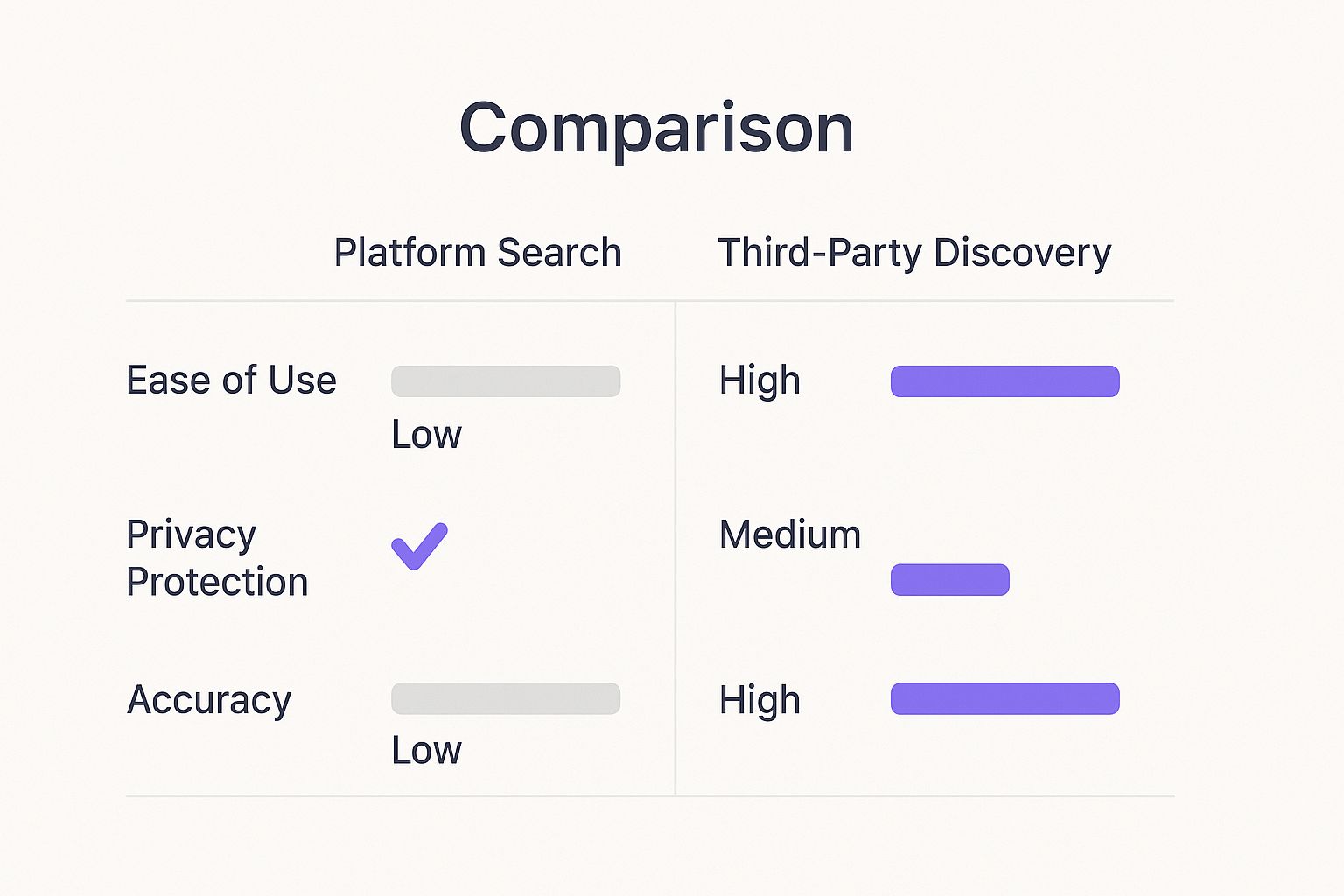
As you can see, while the platform’s own search offers maximum privacy, it completely falls short on usability and accuracy when you're trying to find someone nearby.
Why Third-Party Tools Are Essential
These limitations are exactly why an ecosystem of third-party discovery platforms has popped up. These tools effectively fill the void left by OnlyFans' bare-bones search function. They operate by indexing publicly available information that creators have already chosen to share on their social media profiles, which allows for much more detailed filtering.
The real issue isn't a lack of local creators—it's the lack of official tools to find them. This privacy-first approach is fantastic for creators, but it means fans have to get creative with smarter, indirect search methods.
These external platforms give you a massive advantage:
- Location Filters: You can actually search by city, state, or even set a mileage radius to find creators close to you.
- Niche Categories: It’s not just about location. You can layer on specific interests and categories to find exactly the type of creator you're looking for.
- Stay Anonymous: Search freely without having to log in or connect your own account, keeping your discovery process private.
Using Discovery Platforms for Location-Based Searches
Let's be real: trying to find local OnlyFans creators directly on the platform can be a massive headache. That’s where third-party discovery tools come in to save the day, turning a frustrating guessing game into a precise, targeted search.
When you're wondering how to find OnlyFans accounts near you, a platform like Fanclan gives you the power of location filters. Forget endless scrolling—just plug in your city or zip code to instantly focus on creators in your area.
Once you’ve entered your location, you can fine-tune the search radius. Dial it down to five miles to find creators in your immediate neighborhood or expand it up to one hundred miles to discover talent across your entire region. It's a simple adjustment that makes a world of difference.
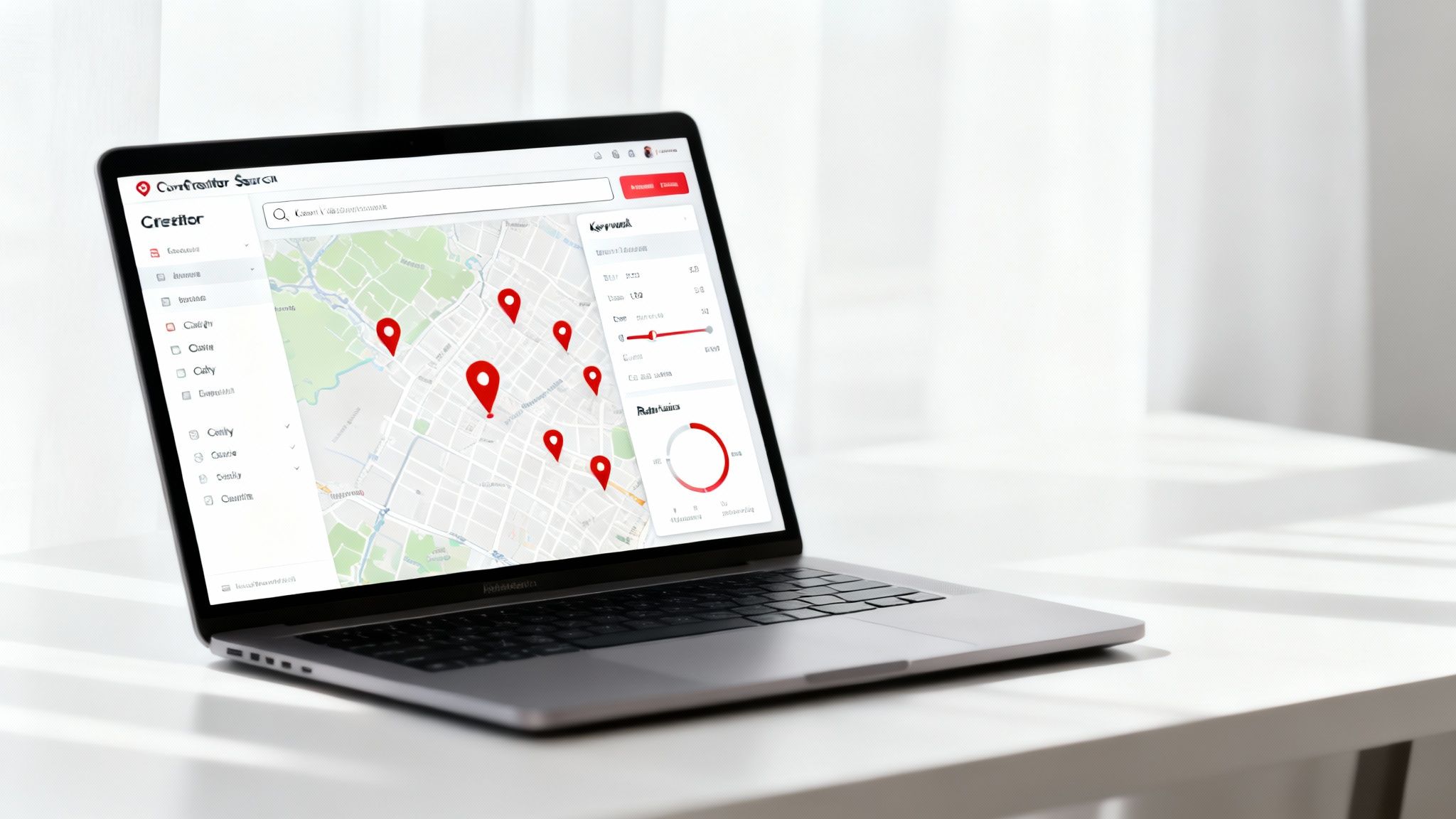
Here's how a typical search on Fanclan breaks down:
- Target a specific area by entering a city or zip code.
- Set your desired distance using the simple radius slider.
- Add niche keywords like "fitness" or "cosplay" to get more specific.
- Sort your results by recent activity to find the freshest, most active profiles.
Filtering With Geographic Data
The real magic happens when you combine location filters with keywords. This simple step cuts out all the unrelated profiles, connecting you with creators who match your specific interests and are nearby. You might discover a local yoga instructor who streams classes or a musician sharing behind-the-scenes clips from a venue down the street.
Key Insight: Stacking geography and niche filters can slash irrelevant results by over 60% on average, saving you a ton of time.
To get the most out of your search, it helps to understand a few different approaches.
Effective Search Strategies on Discovery Platforms
This table breaks down a few methods to help you refine your discovery process and zero in on the local creators you’re looking for.
| Search Strategy | How It Works | Best For Finding |
|---|---|---|
| Location Only | Applying a simple city, state, or radius filter. | A broad overview of all creators in your vicinity. |
| Keyword Plus Location | Combining niche terms with geographic filters. | Specific local talent, like a gamer or artist nearby. |
| Recent Activity Sort | Ordering results by newest posts or subscriber growth. | The most active and currently trending local creators. |
Each strategy serves a different purpose, so feel free to mix and match them to see what works best for you. The goal is to make discovery smooth, fast, and effective.
With over 4 million creators on OnlyFans in 2025, your chances of finding someone local are better than ever. For more tools to expand your options, check out our guide to the 12 Best OnlyFans Search Engine Platforms.
Next Steps With Your Refined List
Once you have a list of potential creators, quickly scan their bios for clues that confirm their location, like local area codes or tags for nearby venues. From there, create a shortlist of five to ten profiles that really catch your eye.
Before you subscribe, take a look at any free or discounted content they offer. It’s the best way to get a feel for their style and ensure they're a good fit.
Pro Tip: Build a little rapport first. Engage respectfully by liking or commenting on a creator’s public social media posts before you even think about subscribing. It shows genuine interest.
This approach helps you find exactly who you're looking for while respecting everyone's privacy. Stay patient, be respectful, and you'll build much more genuine connections.
Discovering Nearby Creators on Social Media
While dedicated search tools are great, sometimes the best finds come from a little social media detective work. Plenty of creators use platforms like Instagram, Twitter, and Reddit to promote their OnlyFans, often dropping hints about their general location without compromising their privacy.
You're not looking for a home address—you're hunting for clues. This means paying attention to the little details.
Reading Between the Lines
Think like a local. A creator might not tag their city, but they might use hashtags for specific neighborhoods, local events, or even popular slang unique to the area.
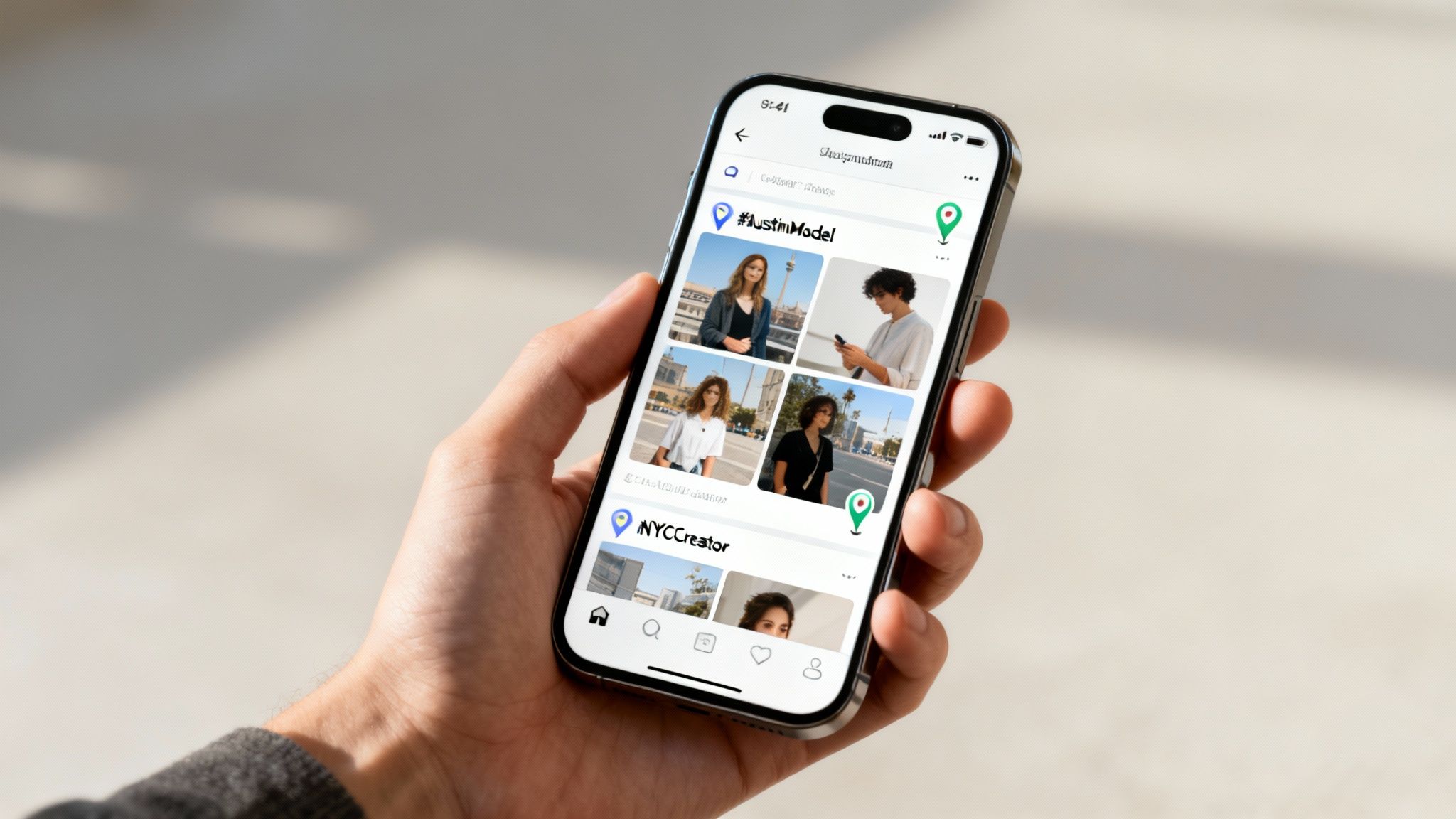
Start by combining a location with a niche. For example, a creator in Denver might use #DenverModel or #5280Fitness. Someone in NYC might use #NYCCreator. These targeted searches cut through the noise and show you profiles that are actually relevant.
Another solid strategy is to check geo-tagged posts. Creators often tag popular local spots in their photos, such as:
- Well-known gyms and fitness studios
- Trendy cafes or popular bars
- Iconic parks or city landmarks
If you notice a creator consistently tagging different locations all within the same city, it’s a pretty safe bet they’re based there.
The goal here is to connect the dots using publicly available information. It's about respectfully identifying local talent you can support, not being invasive.
Tapping into Niche Communities
Don’t overlook community hubs like Reddit. Many cities have their own subreddits where local creators might drop a link or promote their work. Scan threads about local artists, models, or performers—you might be surprised who you find.
This social media approach is the perfect complement to using a dedicated search tool. If you want to dive deeper into finding specific people, our guide on how to search for someone on OnlyFans has more tips to sharpen your skills.
By piecing these public clues together, you can build a great list of local creators to follow. It turns a simple search into a far more interesting discovery.
Advanced Techniques to Refine Your Local Search
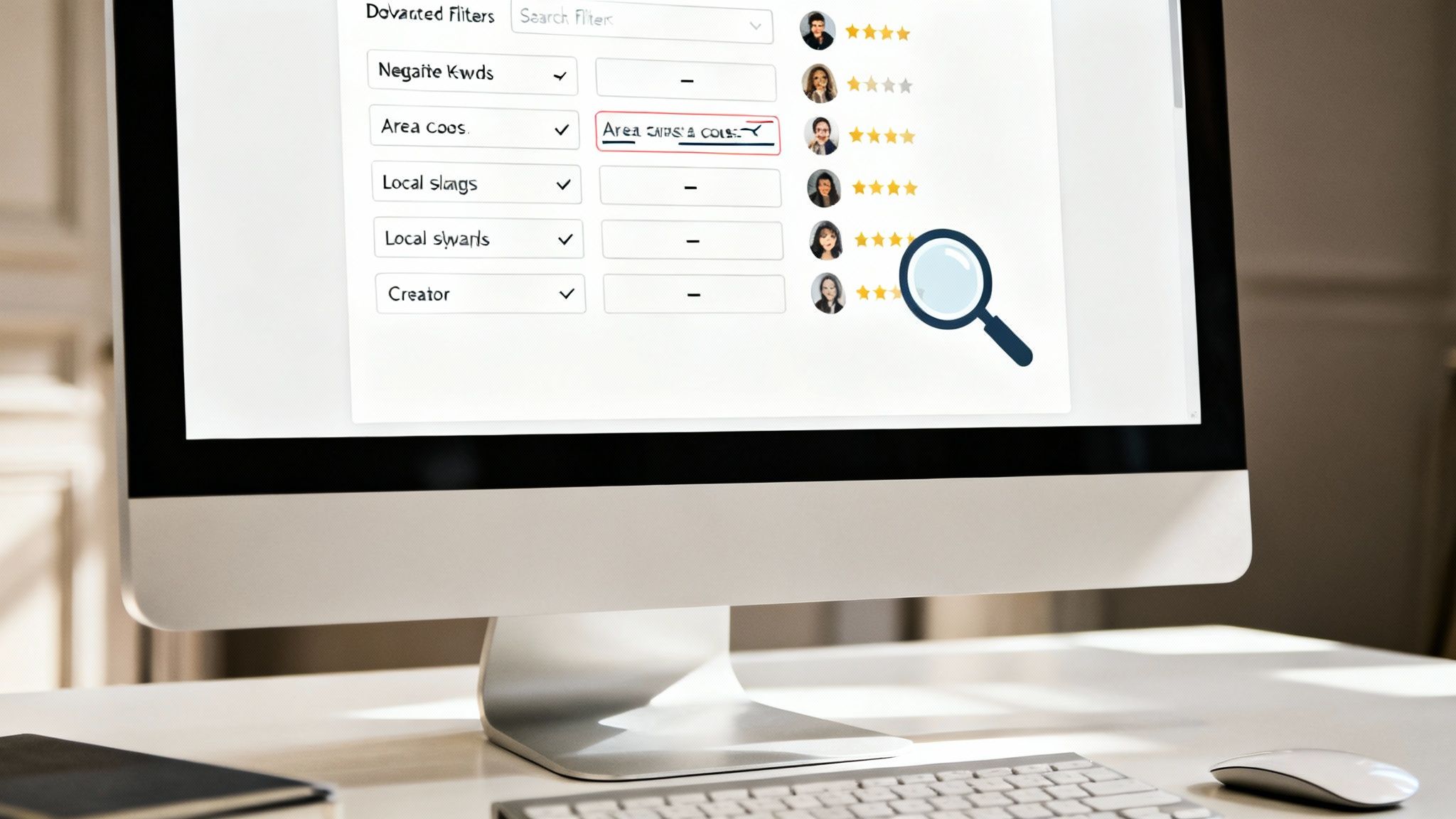
So, you've got the hang of basic location filters. Great start. But to really zero in on creators nearby, you need to think a little more like a detective. Let’s move beyond just typing in a city name and cut through the noise.
One of the most effective tricks is using negative keywords. Say you’re looking for a fitness creator in Miami, but your feed is flooded with nightlife content. Just add "-club" or "-party" to your search. It’s a simple but powerful way to immediately filter out all the stuff you don't want to see.
Decoding Subtle Location Clues
Here’s where your own intuition comes into play. Creators don't always list their exact city, but they drop hints all the time in their bios and posts. You just need to know what to look for.
Spotting these clues is the key to confirming if someone is genuinely local. I always look for a few tell-tale signs:
- Regional Slang: Are they using terms or phrases that are super specific to your area?
- Local Sports Teams: A shout-out to the city’s NFL or NBA team is a dead giveaway.
- Area Codes: Sometimes an area code is right there in a bio or a promo image.
Think of these details as breadcrumbs. They help you piece together a much more accurate picture than a broad location tag ever could.
The best local searches combine powerful filters with sharp observation. Let the tech get you in the ballpark, then use your gut to confirm the details.
Don't forget to check user reviews and ratings on discovery platforms, either. A popular local creator will almost always have a trail of positive feedback from other fans in the area. That kind of social proof is gold.
It also helps to understand the sheer scale of the platform. With over 305 million users worldwide, finding local talent is a numbers game. The U.S. alone makes up 48.82% of all OnlyFans traffic, so your chances are pretty good. You can see more stats on OnlyFans user demographics on Vocal.media.
For even more pro tips, check out our full breakdown on how to use an OnlyFans profile finder.
How to Interact Safely and Respectfully
So you’ve found a local creator you’re interested in—awesome! But what you do next is everything. The way you reach out sets the tone for the entire relationship, and a little respect goes a long way in building a positive and safe community for everyone.
Think of your first message as your first impression. Instead of blurting out something about their location, try connecting with their content first. Mention a specific post you really liked, or ask a question about their work. It shows you’re there for them as a creator, not just because they’re nearby.
Crucial Takeaway: Under no circumstances should you ever ask for a creator’s home address, where they work, or any other personal location details. It’s a massive breach of trust and a surefire way to get blocked—and rightfully so.
Setting the Right Tone
Always remember there’s a real person on the other side of that screen. Keeping your interactions welcome and positive is simple if you follow a few basic rules.
- Do: Genuinely compliment their work. Let them know what you appreciate about their content.
- Don't: Make weird demands or assumptions just because you live in the same area.
- Do: Engage with them just like you would with any other creator you admire.
- Don't: Slide into their DMs with unsolicited explicit messages unless their profile clearly says that's what they're looking for.
And while you're being respectful of them, don't forget your own safety. We've put together a full guide on how to avoid online scams and protect your data that’s packed with practical tips for any online platform.
It's also worth remembering how people use these platforms. A staggering 83.99% of traffic to sites like OnlyFans comes from mobile devices, according to data from Pleazeme.com. This means people are often engaging while they're out and about, which can sometimes blur the lines between online life and real life. That’s why maintaining clear, respectful digital boundaries is more important than ever. The goal is to support local creators for their work, not to make them feel unsafe.
Answering Your Top Questions About Finding Local Creators
When you start looking for creators in your area, a few questions are bound to pop up. It's smart to get the lay of the land, from how the tools work to keeping things respectful for everyone.
Let's clear up some of the most common queries.
Is This Stuff Safe and Legit?
Absolutely. Using a discovery tool like Fanclan is 100% safe. We simply organize publicly available information to make it searchable. We will never ask for your OnlyFans login or personal details.
Legally, you're in the clear. Ethically, it's all about how you engage. The whole point is to find and appreciate talented creators who happen to be nearby, not to blur boundaries.
Treat local creators with the same respect you'd show anyone online. Just because they live in your city doesn't change the fan-creator dynamic. Keep it cool.
How Accurate is the Location Data?
The location filters are a fantastic starting point, but keep in mind they rely on the information creators share publicly. It's usually accurate, but it’s always a good idea to look for clues.
Check their bio or linked social media accounts for hints that confirm they’re genuinely in the area you’re searching.
Do Creators Know I'm Searching for Them?
Nope. Your searches are completely anonymous. Your activity on Fanclan stays private and is never shared with the creators you look up. You can explore with total peace of mind.
Ready to connect with amazing creators in your neighborhood? Fanclan gives you powerful search tools to filter by location, niche, and more. Start discovering now.