Ever tried to find a specific person on OnlyFans? It can feel like you’ve hit a brick wall, especially when you’re used to the simple search bars on places like Instagram or Twitter. That’s because the platform is designed to protect creator privacy, meaning there’s no public, easy-to-use search feature to just look up a name.
Don't worry, though. We've got the practical, effective workarounds you need to track down the creators you're looking for.
Why is OnlyFans Search So Hard?
If you’ve tried to find a creator on OnlyFans and came up empty, you’re not alone. It’s a deliberate design choice. The platform intentionally leaves out a global search function to give its creators total control over who finds their profiles. This makes it completely different from other social media sites where getting discovered is the entire point.

The sheer number of people on the platform makes things even tougher. The growth has been absolutely explosive.
By February 2025, OnlyFans was home to over 305 million fan accounts and 4.19 million creators. That's a mind-boggling 1,082% jump from the 348,000 creators back in 2019.
With that many profiles out there, just browsing around is a total non-starter. Without a proper search tool, you're basically looking for a needle in a digital haystack.
Understanding the Core Challenges
The roadblocks you’ll run into are baked right into the OnlyFans ecosystem. These hurdles are exactly why you need the alternative methods we’re about to cover.
- Privacy-First Design: The platform is a closed garden. Creators get to decide how and where they share their profile link, which helps them avoid unwanted attention and harassment.
- No Username Directory: Unlike almost every other social platform, there’s no public list or database of usernames you can scroll through or search on the site.
- Aliases and Pseudonyms: A lot of creators use a different username on OnlyFans than they do on their public social media. This makes a simple name search pretty much useless.
Because of these intentional limits, you might think the native search is broken, but it’s often just working exactly as intended. If you’re running into issues, you can check out our guide on fixes for the OnlyFans search for more technical tips. Otherwise, let's dive into the strategies that actually work.
Using the Platform's Limited Search Tools
Let's be real: OnlyFans intentionally makes it hard to discover new creators with a big, open search bar. But that doesn't mean you're completely out of options on the platform itself. You just have to know the workarounds.
Once you're logged in, you'll see a search bar. Don't think of this like Google, though. It's more like a "recently viewed" list for your subscriptions. It’s fantastic for finding creators you’re already connected with—either through a subscription or past interactions like comments and likes. If you can only remember part of a username, this is your first stop.
Finding Creators with Location Tags
Here's a little-known trick that can actually be pretty effective: searching by location. A lot of creators will tag their city or region on their profile to build a local fanbase. This is a goldmine if you’re trying to find someone who’s active in a specific area.
For instance, typing "Los Angeles" into the search might pull up a surprising number of creators who’ve tagged their profile to that city. It’s not foolproof, since it all hinges on the creator adding that tag, but it’s a great way to discover people you otherwise wouldn't.
So, how can you actually put this into practice?
- Quickly Find Your Follows: Use the search bar to jump straight to a creator you're subscribed to. It beats scrolling through your entire list, especially if it's long.
- Jog the Algorithm's Memory: Even if you're not subscribed anymore, if you’ve liked a creator's posts in the past, their profile has a much higher chance of popping up in your search.
- Explore by Location: Give it a shot. Search for major cities or even smaller regions. You never know who you might stumble upon.
Pro Tip: Try combining what you know. If you remember that a creator is based in a certain city and you think you've liked their content before, searching for either their partial name or that location could be just the nudge the platform needs to show you their profile.
These built-in tools are your first line of defense. They're simple and don't require any third-party sites. While they won't help you discover a creator out of the blue, they’re perfect for tracking down a profile you’ve lost. If you strike out here, don't worry—it’s time to bring in the heavy hitters: external search directories.
Unlocking Results with Third-Party Search Directories
When the platform’s built-in search just isn't cutting it, it’s time to pull out the big guns: third-party search directories. Think of these sites as specialized search engines built specifically for OnlyFans, indexing public creator data to give you the powerful search experience the main platform lacks.
OnlyFans is designed with privacy in mind, which is great for creators but means there's no global search bar for usernames. This is where directories like Fanclan step in, making it possible to sift through the massive ecosystem of over 4 million creators to find exactly who you’re looking for.
These tools fill a huge gap, letting you search in ways that OnlyFans simply doesn't support.
How to Use Search Directories Effectively
Getting started is a breeze. Most directories feature a main search bar right on the homepage. If you know a creator's username from another platform like Twitter or Instagram, pop it in there. Since many creators keep their handles consistent, this is often the quickest path to a direct match.
But the real magic happens when you dive into the filters. This is where these tools truly shine, letting you zero in on specific profiles with impressive accuracy.
The image below shows a typical layout for these directories—clean, organized, and easy to scan.
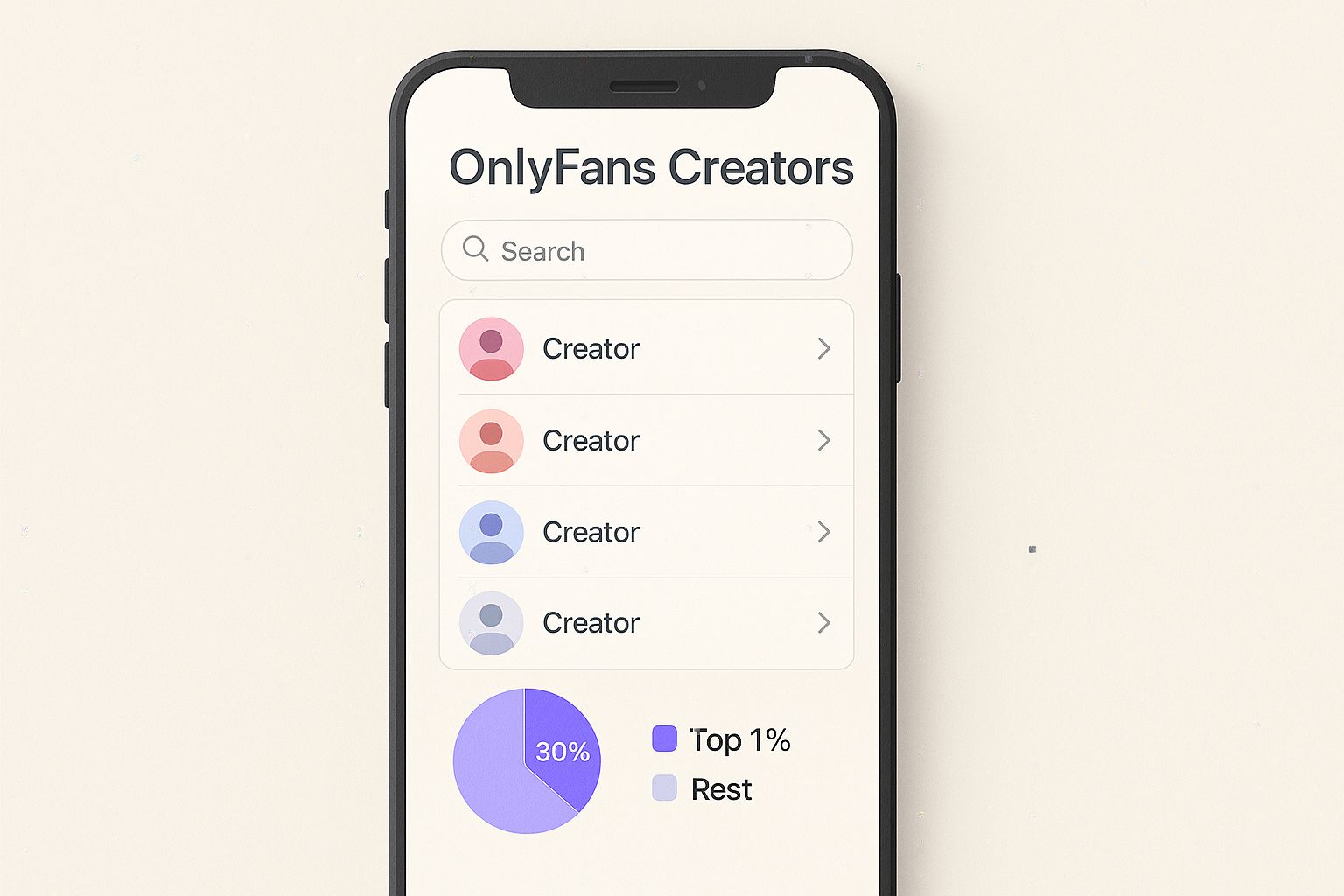
This kind of visual interface turns what could be a frustrating search into a simple process of elimination. The key is to leverage the filters to do the heavy lifting for you.
You can usually filter results by:
- Location: Find creators in a particular city, state, or country.
- Content Niche: Narrow it down by categories like "fitness," "cosplay," or "gaming."
- Keywords: Search for specific terms you'd expect to find in a creator's bio.
Say you're looking for an "artist" based in "New York." Applying those filters instantly cuts through thousands of irrelevant profiles, massively boosting your odds of finding the right person. That’s a level of targeted searching you just can't get on OnlyFans itself.
Choosing the Right Search Tool
Not all search directories are the same. Some have more robust databases, while others offer more granular filtering options. To help you pick the right one, we’ve put together a quick comparison of the top players in the game.
Top OnlyFans Search Directories Compared
| Directory Tool | Key Features | Search Filters Available | Free/Paid |
|---|---|---|---|
| Fanclan | User reviews, advanced filters, curated lists | Location, niche, price, keywords, new faces | Free |
| OnlyFinder | Large creator database, keyword-based search | Keywords, location, name, subscription price | Free |
| FansMetrics | Analytics-focused, trending creator data | Growth rate, subscribers, location, keywords | Freemium model |
While each tool has its strengths, reputable sites are almost always free for basic searches. Be cautious of any service that tries to charge you just to look up a username. For a deeper dive, check out our complete guide on the 7 best OnlyFans finder tools for 2025.
Ultimately, using an external directory is about working smarter. They provide a reliable and efficient way to find the creator you're after without the guesswork. Start with the info you have—a name, a location, an interest—and let the filters guide you the rest of the way.
Finding Creators Through Their Social Media Footprint
Since OnlyFans itself is a closed-off garden, the best clues are often found outside its walls. Most creators use mainstream social media as their primary marketing tool, making platforms like X (formerly Twitter), Instagram, and Reddit your most powerful allies in the search.
Think of it this way: creators want to be found by their target audience. They actively drop breadcrumbs on other platforms, guiding potential fans directly to their OnlyFans page. Your job is to become a digital detective and follow that trail.

This whole strategy hinges on creators using consistent branding. Many use the exact same username across all their platforms to make it dead simple for followers to connect the dots. A quick Google search for their known social handle plus the word "OnlyFans" can often lead you straight to their page or to posts promoting it.
Leveraging Social Media Bios
The bio is the most common place to find a direct link. It's prime real estate for promotion, and smart creators take full advantage of it. Keep an eye out for services like Linktree, AllMyLinks, or Beacons—these tools let creators pack all their important URLs onto a single, clean landing page.
If you spot one of these links in their bio on Instagram or TikTok, that’s almost certainly your destination. One click will often reveal their OnlyFans profile right alongside their other social accounts. This method is incredibly effective and pretty much standard practice for any creator managing their online presence. For more on this, our guide on how to use an OnlyFans profile finder digs into related strategies.
Key Takeaway: A creator's social media bio is the first and most obvious place to check. Link-in-bio services are a clear signpost that points directly to their subscription content.
Reddit: The Community-Powered Search Engine
Reddit is another goldmine, but it requires a slightly different approach. Instead of focusing on individual profiles, you're tapping into the power of community knowledge. Tons of creators have their own subreddits (like r/CreatorUsername) where they, or their fans, post links and updates.
Just searching for a creator's username on Reddit can lead you to these communities or to discussions where fans are already sharing links to their favorite profiles. This community-driven method is a fantastic way how to find someone on onlyfans when a direct search comes up empty.
Advanced Search Techniques and Ethical Guidelines
Sometimes, the usual search methods just don't cut it. When you’ve hit a wall, a few advanced tactics can help you pinpoint a specific creator on OnlyFans. Just remember, with greater power comes greater responsibility to search ethically.
These techniques go beyond simple directory lookups and require a bit more finesse.
Smart Google Searching
One of the most effective tricks is to use Google's own search operators. Think of it as giving Google a super-specific command.
By typing site:onlyfans.com "username" into the search bar, you're telling Google to only show you results from the OnlyFans website that contain that exact username. This can be a game-changer for finding profiles that Google has indexed but are otherwise hard to track down.
Using Reverse Image Search
Another option, though it's often a long shot, is a reverse image search. If you have a public photo of the creator from another social media account, you can use a tool like Google Images to see where else that picture appears.
Be warned: this method is far from perfect and can easily lead to mistaken identities. It's best used as a last resort.
Navigating Your Search With Respect
Using these tools responsibly isn't just a suggestion—it's non-negotiable. The entire point is to find a creator's public, professional profile so you can subscribe and support their work. It's never about digging up their private information.
Crucial Guideline: Your search must stop the moment you find their public OnlyFans page. Any further digging to find their real name, private social media, or location is doxxing. This is a serious violation of privacy and is completely unacceptable.
Respecting a creator's boundaries is everything. If someone has deliberately kept their OnlyFans separate from their other online identities, you have to honor that choice.
Staying safe online goes both ways. To keep your own information secure while you browse, check out our guide on how to avoid online scams and protect your data. At the end of the day, ethical searching is all about engaging with creators on their terms.
Your Top Questions About Finding People on OnlyFans
When you're trying to find a specific creator, a few questions always pop up. Getting straight answers can save you a ton of hassle and make your search way more effective.
Can I Search by Real Name or Email?
The short answer is no. OnlyFans is built around creator privacy, so you can't just plug in a real name or an email address and expect to find someone. The platform's own search tools are intentionally basic for this reason.
Your best bet is to use a creator's known social media username. Many creators use the same handle everywhere for branding, so trying that username in a third-party directory or even a quick Google search is usually the most direct route.
Are Third-Party Search Directories Safe?
For the most part, yes. Reputable directories are safe because they simply organize publicly available information that creators have already shared. They're not hacking anything; they're just making public data easier to find.
But you still need to be smart. Never, ever enter your OnlyFans login details on any site that isn't OnlyFans itself. If a search tool asks for a fee just to look someone up or is plastered with sketchy pop-up ads, those are huge red flags. Bail out immediately.
Key Takeaway: Stick with well-known, free directories. A legit search tool will never need your private login info to work.
Why Can’t I Find a Specific Creator?
Even if you’re doing everything right, sometimes a creator just won't show up. There are a few common reasons why they might be playing hard to get.
They might be using a completely different username on OnlyFans than on their other social media, which makes a simple name search a dead end.
Other possibilities include:
- Private or Geo-Restricted Accounts: Some creators lock their accounts down, making them private or only visible in certain countries. If you’re not in the right place, you won’t see them.
- They've Opted Out: Creators can request that third-party directories don't list their profiles if they want to keep a lower profile.
- Inactive or Deleted Profile: It's also possible the account you're looking for just isn't there anymore. It could be inactive or deleted entirely.
What if I Only Know Their Username from Another Site?
That's actually a great starting point! This is how most successful searches begin. Brand consistency is a big deal, so creators often use the same handle across Instagram, Twitter, and OnlyFans.
Just take that exact username and pop it into a trusted third-party directory. You can also try searching it on Google with "OnlyFans" added to the end. This often brings up their profile or links they've shared online. For more specific tips, check out our guide on how to find local OnlyFans accounts.
Ready to find the creators you're looking for with powerful, easy-to-use search filters? Explore thousands of profiles on Fanclan and discover your new favorites today. Visit https://fanclan.io to start your search.