If you've ever typed "OnlyFans creators near me" into a search bar, you probably know the frustration of hitting a dead end. That's because OnlyFans itself doesn't have a location search feature. The absolute best way to cut through the noise is by using a specialized tool like Fanclan, which lets you filter creators by city and region.
Why Is It So Hard to Find Local Creators?
Honestly, trying to find creators in your area can feel impossible. The main reason comes down to privacy. OnlyFans intentionally leaves out a public location search to protect creators from unwanted attention in the real world. It's a critical safety feature, but it leaves fans looking for local talent with no easy way forward.
This is where the broader community and dedicated search tools become essential. The platform has absolutely exploded in recent years. Back in 2019, there were around 348,000 creators. Fast forward to 2023, and that number has skyrocketed to roughly 4.1 million. This massive growth means there are creators in just about every local community imaginable.
Getting Around the Search Barrier
Without a built-in search, you have to get a little creative. This means looking beyond the OnlyFans platform itself and turning to resources designed to fill this exact gap.
Here’s a quick look at the most reliable strategies for locating OnlyFans creators in your area.
Comparing Methods to Find Local Creators
| Method | Effectiveness | Key Feature |
|---|---|---|
| Third-Party Search Engines | Very High | Direct location filtering (city, state) |
| Social Media Sleuthing | Moderate | Location-specific hashtags & bio info |
| Reddit Communities | Moderate | Community recommendations & self-promotion |
As you can see, each method has its pros and cons, but for pure efficiency, nothing beats a dedicated search tool.
Platforms like Fanclan are purpose-built to solve this problem, offering powerful filters that make your search quick and painless. The alternative is playing detective on social media. Creators often promote their pages on Twitter or Instagram, sometimes using location hashtags like #AustinCreator or just mentioning their city in their bio. It works, but it takes time.
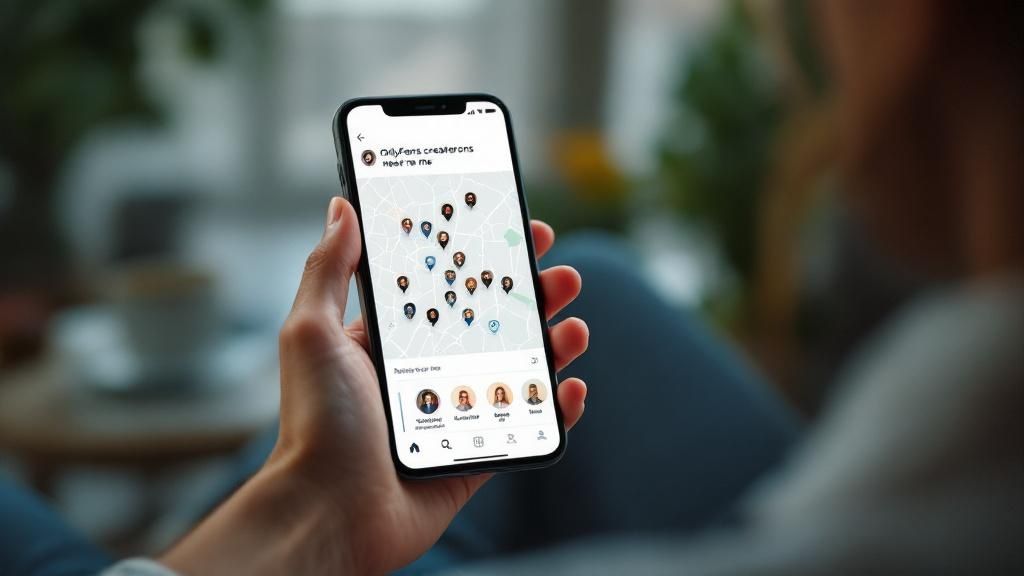
This screenshot of the Fanclan homepage shows just how simple it can be. The interface is clean and intuitive, with clear categories like "Near You" that get you right where you want to go.
The key takeaway? Specialized tools provide a structured, simple alternative to random social media searches.
For a deeper dive, check out our complete guide on the 7 best tools to find OnlyFans by location and start connecting with creators in your area today.
Using Fanclan for Pinpoint Location Searches
When your search for "Onlyfans creators near me" feels like a shot in the dark, Fanclan is the spotlight you need. Forget endless scrolling and guesswork. Fanclan’s powerful location filters let you zero in on creators in a specific city, state, or even a wider region with stunning accuracy. It turns a frustrating search into a simple discovery mission.
But it’s not just about geography. You can get incredibly specific. Want to find a fitness creator in Miami? Or a cosplay artist over in Los Angeles? Just combine the location filter with content categories. This ability to layer your search criteria is what makes Fanclan so effective—it guarantees your results are not just local, but also perfectly matched to your interests.
Refining Your Search for Local Talent
Getting started is a breeze. Head over to the "Near You" section or jump into the advanced search filters. Pop in your city and you’ll immediately see a curated list of creators who are active in that area.
The clean, card-based layout lets you scan profiles quickly, see the important details at a glance, and decide who you want to check out further.
While OnlyFans is a global phenomenon, its user base is definitely concentrated in some key areas. For instance, 55% of all users are in the United States, but the platform is buzzing with activity in over 100 countries. This huge global footprint means you’ve got a fantastic chance of finding creators right in your backyard, no matter where you are.
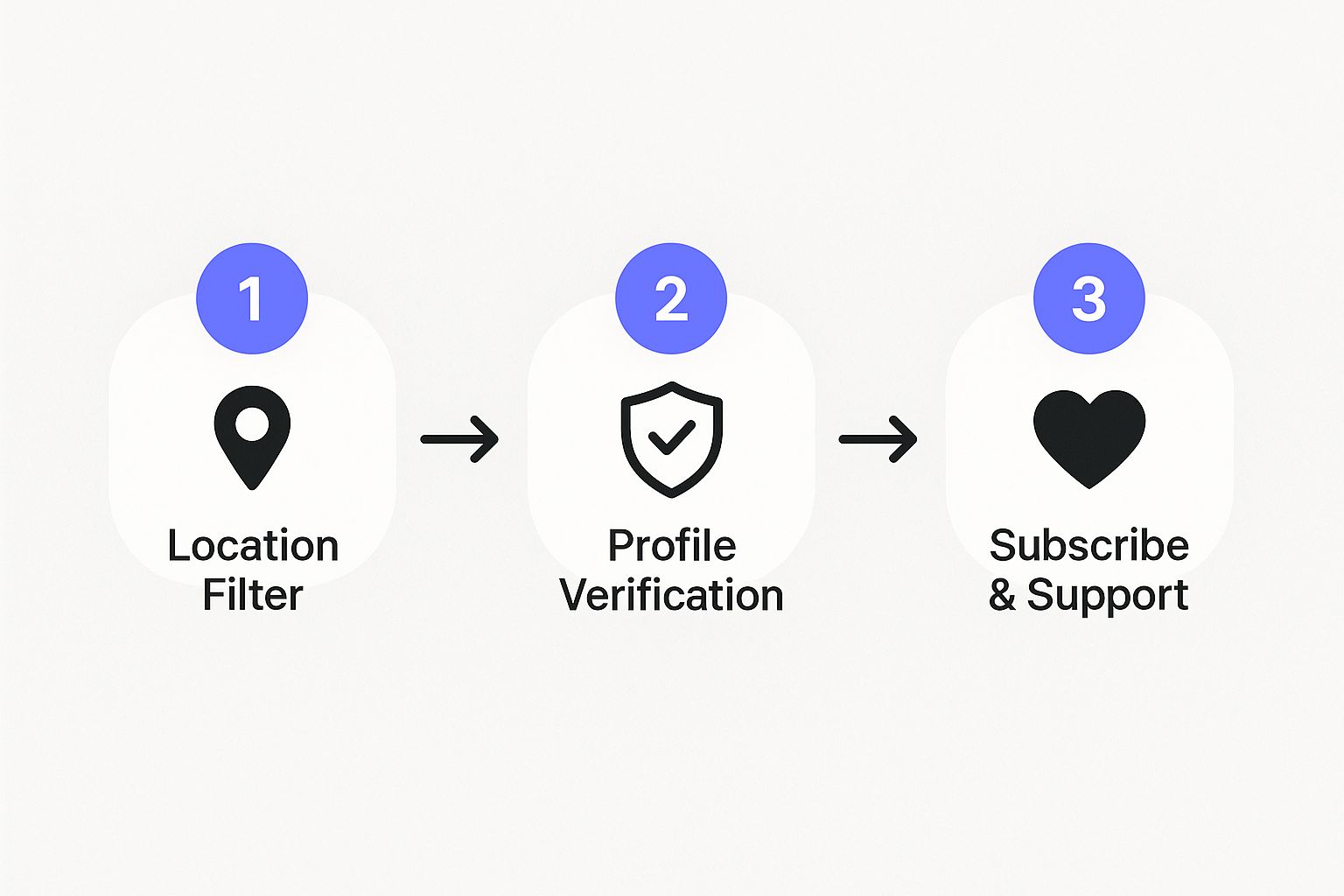
The whole process is designed to be straightforward and secure, guiding you from filtering by location to supporting a verified creator you’ll genuinely enjoy.
Practical Steps for Success
Ready to build your list of local favorites? Here are a few pro tips I've picked up to get the most out of your search:
- Start Broad, Then Go Niche: Kick things off with a search for your state or the nearest major city. Once you have some results, you can drill down to your specific town.
- Mix and Match Your Keywords: Don't just stick to location. Combine it with tags like "blonde," "tattoo," or "gamer" to get super-specific matches.
- Look for the Checkmark: Always prioritize creators with a verified checkmark on Fanclan. It’s a quick way to know their profile has been authenticated and is the real deal.
The key is to be methodical. By strategically using filters, you cut through the noise of random social media searches. It creates a direct line to discovering and supporting the local talent you're actually looking for.
For a deeper dive into search strategies, check out our guide on how to search within OnlyFans for better results.
Using Social Media to Find Local Creators
While search tools are your most direct path, don't sleep on social media. It's an absolute goldmine for finding local talent. Think about it: creators use platforms like Twitter, Instagram, and Reddit to market themselves, and they often drop hints about their location to build a regional fanbase.
This method takes a little more detective work, but the payoff can be huge. You just have to think like a creator trying to get found. They're dropping location-specific hashtags and clues all over the place, just waiting for fans in their area to notice.
Get Smart with Hashtags and Bio Searches
Your hunt for local OnlyFans creators can start with a few simple, targeted searches on Instagram and Twitter. The trick is to go beyond the obvious tags and get specific about your city or state.
Try searching for things like:
- #ChicagoCreator: This is a great combo of a major city and a keyword.
- #TexasOF: A simple formula using the state abbreviation and "OF" for OnlyFans.
- #MiamiModel: A slightly broader term that local creators frequently use to promote themselves.
Also, don't forget to check their bios. It’s surprisingly common for creators to list their city or state right on their profile. You might see something like "Fitness enthusiast & creator from Denver," and boom—you know they're local.
Pro Tip: Stop just searching for "OnlyFans." Start combining your city or state with creator-focused terms. This one small tweak can totally change your search results on social media.
Dig into Local Reddit Communities
Reddit is another beast entirely. You’ll find tons of city-specific subreddits where creators are actively promoting their pages to a local audience.
Look for communities like r/NYConlyfans or r/TexasOnlyFans. These are often hubs where you can find direct links to creators who are specifically looking for fans nearby.
Of course, social media is just one tool in your toolbox. To really level up your search, check out our guide on the best OnlyFans finder tools. Combining a powerful finder tool with some smart social media sleuthing is the absolute best way to connect with creators in your area.
How to Authentically Verify a Creator's Location
Okay, so you’ve found a few profiles tagged with your city. Great start. But how can you be sure they're genuinely local and not just using popular keywords to get more eyes on their page? The trick is to look for subtle, real-world clues without ever crossing a line.
Let's be clear: respecting a creator's privacy is everything. The goal isn't to figure out their home address, but simply to confirm they have a real connection to your area. The best place to find these clues is in their public content, both on OnlyFans and any linked social media accounts.
Spotting Genuine Local Clues
Put on your local detective hat. Are they posting from places you immediately recognize? A photo in front of that famous downtown mural, a video from a specific park, or even an Instagram story mentioning that one coffee shop everyone loves—these are all dead giveaways.
You're looking for the little things that only a true resident would know or mention:
- Complaining about the nightmare traffic on that one specific freeway.
- Getting hyped for a beloved city festival or annual event.
- Naturally using regional slang or dropping comments about the local sports teams.
These are the details that are incredibly difficult to fake consistently. When you see a creator dropping these kinds of references all the time, you've likely found one of the OnlyFans creators near me you were searching for.
Key Takeaway: Real location clues are almost never direct. They’re woven into a creator’s day-to-day content—casual remarks about the weather, pictures from distinct neighborhoods, or chatter about regional happenings.
Cross-Referencing Social Media
A lot of creators will link out to their public Twitter or Instagram profiles. These accounts are often a goldmine for location hints because they tend to be less polished and more "in the moment" than their OnlyFans feed.
An Instagram Story tagged at a local brewery or a tweet griping about a power outage in a specific part of town can tell you everything you need to know.
For a deeper dive into this entire process, check out our practical guide on how to find local OnlyFans creators.
How To Engage With Local Creators Respectfully

So you've found a few local creators you're excited about. Awesome. Now comes the part that really matters: making a connection that feels good for both of you.
The secret? It's all about respect. Your first message sets the tone for the entire fan-creator relationship. Generic, copy-paste DMs are an instant turn-off and usually get ignored. They just blend into the background noise.
To stand out, you need to show you’ve actually paid attention. Craft a message that mentions something specific you liked about their profile or content. A genuine compliment about a recent post or their creative style shows you see them as an actual person, not just another account to follow. That one small detail can make all the difference.
First Impressions Are Everything
Before you even think about hitting "send," do a little homework. Take a minute to read the creator's bio, check out their pinned posts, and look for any stated rules or boundaries. Creators often spell out exactly what they're comfortable with. Following these guidelines isn't just polite; it's the bare minimum, and it proves you value their work and their terms.
Your first few interactions should be all about showing support, not making demands. A great first message keeps it simple:
- Give a specific and genuine compliment about their work.
- Mention you’re happy to find and support a creator from your area.
- Keep it short, friendly, and to the point. Respect their time.
A respectful approach is the foundation of any positive interaction. When fans show genuine appreciation for a creator's efforts and clearly respect their boundaries, it fosters a supportive environment that creators value highly.
This mindful approach ensures your support is not just seen but actually appreciated. It immediately sets you apart as a fan who’s there for the right reasons.
For more deep-dive tips on finding and connecting with creators, our complete guide to using an OnlyFans model finder has you covered with extra strategies. Remember, building a fantastic rapport all starts with that first respectful "hello."
Got Questions? We’ve Got Answers.
When you start digging for local creators, a few questions always pop up. Let's clear the air so you can search confidently, safely, and respectfully.
A huge concern we hear is about safety. Are tools like Fanclan legit? Absolutely. Think of us as a secure search engine. We organize public profile info into a searchable database, and that's it. We will never ask for your OnlyFans login details. Stick with reputable tools and run from any site that asks for your password.
Why Can’t I Just Search by Location on OnlyFans?
It’s a fair question. The short answer? Creator safety. OnlyFans deliberately left this feature out to protect its creators from potential stalking or real-world harassment. It's a necessary boundary.
By not having a public location search, creators get to control their own narrative. They decide if, when, and how they share location details, usually through clues in their content or linked social media accounts.
What if a Creator’s Location Tag Is Wrong?
You'll see this a lot. A creator might tag a major city like Los Angeles or New York to get more eyes on their profile, even if they live hours away. It’s a marketing move, not a trick.
So what do you do? Just keep searching. Never call a creator out on their location tag. Instead, go back to the verification tips we've talked about—look for those subtle, authentic clues in their public content that confirm they’re genuinely local.
Ready to find real local talent without the guesswork? Fanclan gives you the most advanced and secure location filters to connect with creators right in your area. Start your local search on Fanclan now.