
An OnlyFans reverse image search isn't magic; it's a slick combination of facial recognition AI and massive public databases. These tools are designed to take a photo you have and connect it to a creator's profile by analyzing unique facial features and scouring the web for a match.
It’s a powerful way to find a specific creator when all you have is a picture.
How an OnlyFans Reverse Image Search Actually Works

So, what really happens after you upload a photo? It's way more than a simple Google search. You're kicking off a high-tech digital investigation that relies on sophisticated AI to compare visual data on a huge scale.
The software isn't looking for an exact pixel-for-pixel copy of your image. Instead, it creates a digital fingerprint of the face in your photo, often called a "faceprint." This is basically a unique mathematical code based on that person's facial structure.
The Role of Facial Recognition AI
This whole process lives and dies by its facial recognition AI. The technology meticulously maps and measures the key features in the photo to build that unique identifier. It’s looking at things like:
- The precise distance between the eyes
- The contour and shape of the cheekbones
- The length of the jawline
- The width of the nose
Once that faceprint is generated, the algorithms start their hunt. They tear through enormous databases filled with billions of publicly indexed images from social media, websites, forums, and blogs, searching for other images that share a statistically similar faceprint.
Specialized platforms like FaceCheck.ID have fine-tuned this process, making them super effective at linking a photo to an OnlyFans account. Their algorithms cross-reference the faceprint from your photo against publicly available profile pictures on OnlyFans and other social networks.
The Importance of a Quality Image
Here's the deal: the success of your search is almost entirely dependent on the quality of the picture you use. A clear, well-lit photo where the person is facing forward gives the AI a ton of distinct data points to work with, making an accurate match far more likely.
Key Takeaway: Think of it like this: giving the AI a blurry, dark, or angled photo is like handing a detective a smudged fingerprint. The odds of a clean match plummet. Always go for high-resolution images.
Grainy or poorly lit photos, or pictures where the face is at a weird angle, can completely throw off the algorithm. This often leads to wonky, inaccurate results or, more commonly, no matches at all.
For a deeper look into the nitty-gritty of tracking down profiles, check out our complete guide to OnlyFans image search.
Understanding the Limitations
It's also really important to have realistic expectations. These tools are powerful, but they can only scan publicly available information.
If a creator's OnlyFans profile is set to private and they're smart enough not to use those same pictures on their public social media, a reverse image search is probably going to hit a dead end. The tech is impressive, but it can’t see behind privacy walls.
Choosing the Right Reverse Image Search Tool
Picking the right platform for an OnlyFans reverse image search is a big deal—not all tools are created equal. The one you choose will make or break the accuracy, speed, and depth of your search, so it pays to know the difference before you start.
You're basically choosing between two camps: specialized people-finders and the big, general-purpose image search engines we all know. For finding social media profiles, the specialized services are almost always your best bet. Their databases are built for exactly this kind of work.
Specialized vs. General Search Engines
Specialized tools like Social Catfish or PimEyes are the heavy hitters here. They use sophisticated facial recognition technology to crawl a massive network of social profiles, forums, and websites. They're engineered to connect a face to an online identity, which makes them incredibly powerful for this specific task.
On the flip side, general engines like Google Images are designed to find visually similar pictures across the whole internet. While they're great for identifying a landmark or finding the source of a random meme, they usually strike out when you're trying to track down a specific person's social media.
Here’s a look at what you see when you land on a specialized tool like Social Catfish.
The entire experience is built around one thing: uploading an image to find a person's digital footprint. That focus is exactly what sets it apart from the broader search engines.
Key Factors in Your Decision
When you're trying to decide which tool to use, keep these critical points in mind:
- Technology & Accuracy: Does it use actual facial recognition AI, or just algorithms that find similar-looking pictures? For finding a person, facial recognition is a must-have.
- Database Scope: Is the tool focused on social media profiles and public records, or is it just scanning the entire web? A curated, focused database gets you much better results.
- Ease of Use: Is the platform simple to navigate? A clunky interface is just a waste of time. You want a straightforward upload-and-search process.
- Cost: The specialized services usually run on a subscription or per-search basis, while general search engines are free. In this case, you really do get what you pay for when it comes to detailed, accurate results.
Pro Tip: It never hurts to start with a free tool like Google Images just in case you get a lucky, quick match. But if that comes up empty—which it often does for OnlyFans searches—it’s time to invest in a specialized service that’s actually built for the job.
If you want to explore other ways to find creators, check out our guide on the 7 best OnlyFans finder tools for 2025, which dives into a bunch of different search methods.
Comparison of Top Reverse Image Search Tools
To help you choose the right tool for the job, let's put the main options side-by-side. This table breaks down the leading platforms, highlighting what they do best and how they operate, so you can match their strengths to your search goals.
| Tool Name | Primary Technology | Best For | Accuracy Rate | Pricing |
|---|---|---|---|---|
| Social Catfish | Facial Recognition & Data Aggregation | Verifying identities & finding social profiles. | High | Subscription-based |
| PimEyes | Advanced Facial Recognition | Finding every instance of a face online. | Very High | Subscription-based |
| Google Images | Visual Similarity Algorithm | Finding visually similar images & original sources. | Low to Medium | Free |
When it comes down to it, a dedicated, paid service like Social Catfish is almost always the smarter choice for a serious OnlyFans profile search. Its whole system is geared toward connecting images to real people, giving you a much higher chance of success than any free, general-purpose tool ever could.
Your Practical Walkthrough for Finding a Profile
Alright, let's get into the nitty-gritty. Running a successful OnlyFans reverse image search is more than just blindly uploading a picture. To get real results, you need a smart approach, and that starts way before you even open a search tool.
This guide is your hands-on walkthrough. We'll use Social Catfish as our example to show you how it's done, from picking the perfect photo to figuring out what the results actually mean.
This quick visual breaks down the key moves for a solid search, from getting your image ready to analyzing what the tool spits back out.
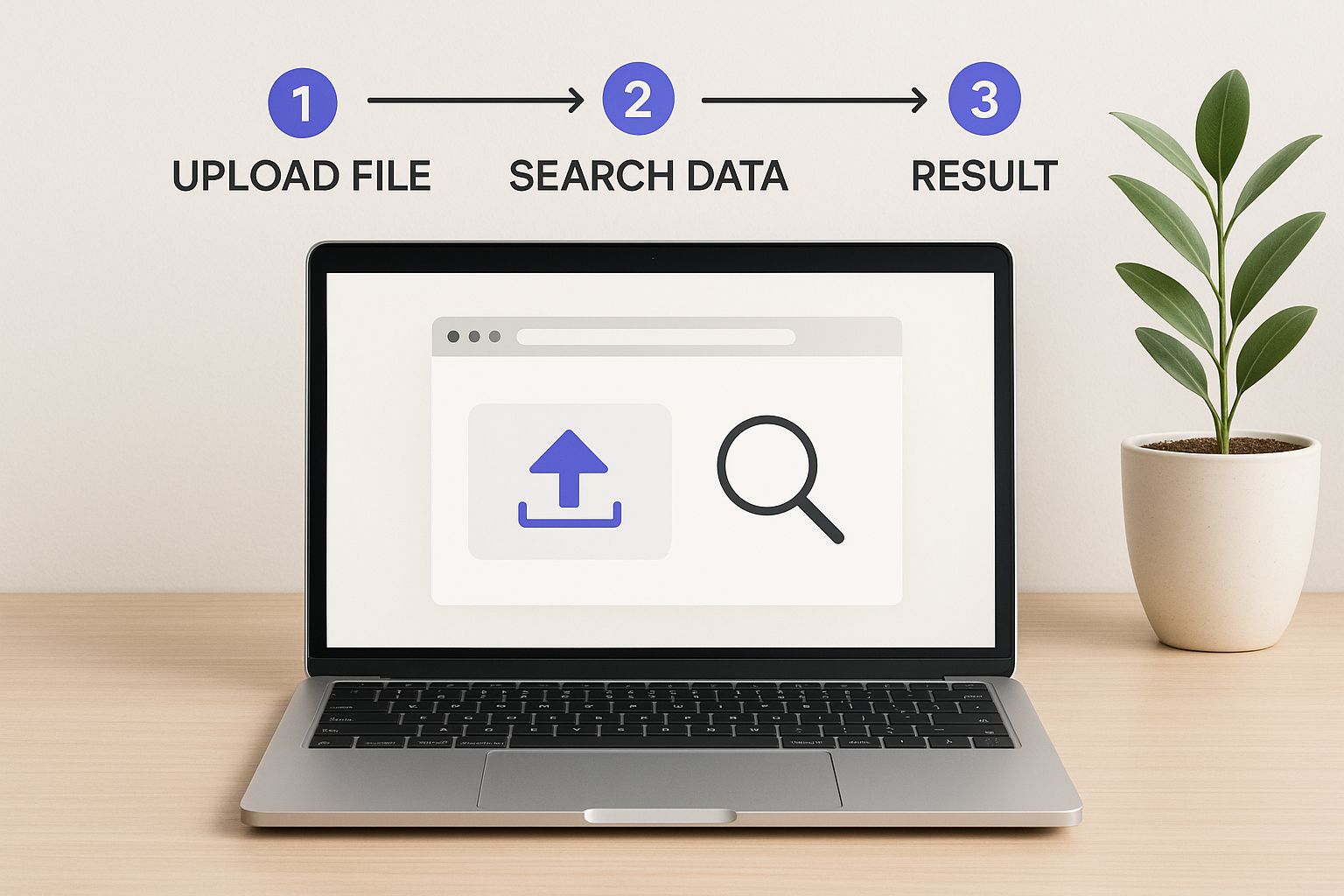
As you can see, it all starts with the photo. A clean, clear image is the foundation for everything that follows and dramatically impacts the quality of your results.
Selecting and Preparing Your Image
I can't stress this enough: the image you use is everything. Garbage in, garbage out. A high-quality photo gives the search algorithm the best possible data to work with.
Here’s your checklist for a winning photo:
- Clarity and Focus: The picture needs to be sharp and high-res. Anything blurry, pixelated, or out of focus is pretty much a guaranteed dead end.
- Good Lighting: Make sure the face is lit well, preferably from the front. Dark shadows or intense backlighting will hide facial features and completely throw off the AI.
- Unobstructed View: The person's face has to be visible. No sunglasses, no hats covering the forehead, nothing that blocks their key features.
Got a decent photo? Great. A little prep work can boost your odds even more. If the original picture has a chaotic background or other people in it, crop it. Just focus tightly on the person's face. This simple step cuts out all the visual "noise."
Honestly, this small tweak can make a huge difference. From what I've seen, cropping an image to isolate the face can improve identification accuracy by 30-50%. It tells the algorithm exactly what to focus on.
Running the Search on Social Catfish
With your prepped image ready to go, it’s time to actually run the search. On a tool like Social Catfish, the process is super simple. You just head to their image search page and either drag and drop your file or upload it from your computer or phone.
Once the image is uploaded, the platform’s AI kicks in. It analyzes the photo, creates a unique digital signature or "faceprint," and starts digging through its massive database of social profiles, websites, and public records. This part isn't instant; it can take a few minutes while it scans billions of data points.
Expert Tip: Don't get impatient here. A comprehensive search takes time. If you close the window too early, you could miss the best matches that were still being processed. Let it finish.
Interpreting the Search Results
When the scan is done, you’ll get a report. This is where you have to use your own brain. The tool won’t always hand you a single, perfect match on a silver platter. You'll likely get a list of potential profiles and related online accounts.
Don't just grab the first result and run with it. Go through each potential match with a critical eye. Look for patterns and consistency. Does the username on a Twitter profile also pop up on a Reddit account? Do the photos on different sites clearly show the same person? You have to connect the dots yourself.
And if you come up empty on the first try? Don’t sweat it. It could just mean the image isn’t widely public, or maybe the quality wasn’t good enough after all. Try again with a different, clearer photo. You can also explore other search methods—for more ideas, check out our deep-dive guide on how to search for someone on OnlyFans.
Advanced Strategies When Basic Searches Fail
So, your initial OnlyFans reverse image search came up empty. It’s frustrating, but don't throw in the towel just yet. Hitting a dead end usually just means it's time to get a little more creative.
Standard searches often fail for a reason—maybe the image quality is low, or the creator is just really good at keeping their digital footprint clean. This is where you need to start thinking like an investigator and work with the main clue you have: the image itself.
Tweak the Image to Get a Fresh Look
Uploading the same photo again and again won't get you new results. You need to give the search engine's algorithm something different to chew on. Simple edits can often be enough to trick it into seeing the photo in a new light, potentially linking it to versions you couldn't find before.
Give these basic tweaks a try:
- Crop Aggressively: If the background is cluttered or there are other people in the shot, crop in tight on the person's face. This cuts out all the visual noise that might be confusing the search tool.
- Mirror the Image: This is a classic for a reason. Flipping the photo horizontally can be surprisingly effective. A lot of people upload mirrored selfies without even thinking about it, and this one simple flip could be the key to getting a match.
- Adjust Lighting and Contrast: Open the image in any basic photo editor. Making a dark picture brighter or bumping up the contrast can help the AI get a much clearer read on facial features.
Pro Tip: Don't be afraid to combine these tricks. Try a search with an image that’s both cropped and mirrored. Every new version you create is another shot for the search engine to find a connection it missed the first time around.
Don't Put All Your Eggs in One Basket
Relying on just one search engine is a rookie mistake. Every platform uses its own database and its own algorithm, so an image that draws a blank on one tool might just get a hit on another.
Instead of giving up, run your searches across several different services at the same time. This multi-tool approach dramatically increases your chances. For instance, if a high-tech facial recognition tool gives you nothing, switch over to a broader, general image search engine. The idea is to cast a wide net and see what you can pull in.
Hunt for Unique Clues in the Photo
When facial recognition isn't working, it's time to shift your focus. Look closer at the image for other unique details that could be a breadcrumb. People often reuse accessories or have distinct features that show up across different social media profiles.
Keep an eye out for things like:
- Distinctive Tattoos: A unique tattoo is practically a digital fingerprint. It's one of the most reliable things to search for.
- Specific Accessories: Is there a one-of-a-kind necklace, a specific watch, or even a quirky phone case that stands out? These can be your next search query.
- Background Details: Scan the background. A recognizable landmark, a unique poster on the wall, or a specific piece of furniture could be the clue you need.
This method turns your OnlyFans reverse image search into a much deeper investigation. And if you're trying to connect the dots in other ways, like with an email, our guide on how to search OnlyFans by email might give you another angle.
AI-powered tools have made this kind of deep dive much easier. Platforms like ProFaceFinder can scan massive databases—including OnlyFans, Twitter, and Reddit—from just a single photo of a face. These systems are incredibly fast, often giving you results in less than seven seconds by sifting through billions of images from all over the world.
Navigating the Ethical and Privacy Maze

An OnlyFans reverse image search is a seriously powerful tool, but with that power comes a big responsibility. Let's be real—this tech exists in a gray area where simple curiosity can quickly turn into a massive invasion of privacy. You have to go into this with a strong ethical compass and a genuine respect for the people on the other side of the screen.
There are definitely legitimate reasons to use these tools. Maybe you're trying to verify someone's identity to avoid getting catfished. If you've met someone online and their story isn't adding up, a quick reverse image search can bring you peace of mind and keep you safe. In that case, you're just protecting yourself.
Understanding Valid Use vs. Misuse
But we can't ignore the massive potential for misuse. Using these search tools to stalk, harass, or out a creator is not just unethical—it can land you in serious legal trouble. The goal should never be to dig into a creator's personal life or spread their content without their permission. The line gets crossed the moment your search becomes an act of intrusion instead of simple verification.
Remember, every single profile belongs to a real person. OnlyFans creators have the same right to privacy as anyone else. Many use pseudonyms and intentionally keep their online persona separate from their real life for safety reasons. An aggressive search aimed at tearing down those walls is a flat-out violation.
The Ethical Bottom Line: Your right to look up public information stops where someone else's right to privacy and safety begins. Always ask yourself what your real intention is before you hit "search."
How Creators Protect Their Privacy
Creators know these risks all too well and are constantly taking steps to protect themselves. Understanding what they do can give you some perspective on why a search might not work and why respecting their boundaries is so critical.
Here are a few common tactics creators use to stay safe:
- Using Unique Photos: They'll often have a completely separate stash of photos just for their OnlyFans that you'll never find on their public Instagram or Twitter.
- Strategic Watermarking: Smartly placed watermarks—sometimes subtle, sometimes not—help them track down leaks and discourage people from stealing their content.
- Region Blocking: Many creators block entire countries or states to keep people from their personal lives from stumbling upon their page.
These are just a handful of the ways creators stay in control. If you want to dive deeper into digital self-defense, our guide on how to protect privacy online provides essential tips and tricks that are super valuable for creators and fans alike.
At the end of the day, the only responsible way to use an OnlyFans reverse image search is with respect and caution. It's a tool for verification, not a weapon for intrusion. By understanding the ethical landscape, you can use these services responsibly and honor the privacy of the individuals who make the platform what it is.
Your Top Reverse Image Search Questions Answered
When you're trying to find an OnlyFans reverse image search, a few questions probably pop into your head. People often ask about the legal side of things, if the creator gets a notification, and why sometimes you just come up empty-handed.
Let's clear things up. Is it even legal? Generally, yes. You're simply searching for information that's already out there on the public web. Where you cross the line is what you do with that information. Using it for anything malicious like harassment or stalking is obviously illegal and just not okay.
Will The Creator Find Out I Searched for Them?
This is a big one. You're probably wondering if the creator gets an alert every time someone runs their photo through a search tool.
The short answer is no. Your search is a private interaction between you and the search engine. The creator gets zero notifications, so your curiosity stays anonymous from their end.
Your search is completely private. These tools are built to scan public data without ever alerting the subject of the search, keeping your activity confidential.
Why Didn't My Search Find Anything?
Hitting a wall and getting no results can be frustrating, but it happens all the time. There are a few key reasons why your search might not turn up the profile you're looking for.
- Totally Exclusive Content: If a creator is careful and only posts certain photos behind their OnlyFans paywall, those images have never touched the public internet. The AI has nothing to match.
- Locked-Down Profiles: A creator with a private profile who doesn't recycle their images on public social media accounts is basically invisible to these search tools.
- Bad Image Quality: A blurry screenshot, a super low-resolution image, or a photo that's been heavily filtered or edited can throw the AI off. It needs a clear picture to find a match.
Ultimately, a successful search isn't guaranteed. It all comes down to the creator’s digital footprint and how good your source image is.
Ready to discover your favorite creators with ease? Fanclan provides a powerful, user-friendly directory to explore over 100,000 profiles with advanced filtering. Find exactly what you're looking for at https://fanclan.io.