So, you're trying to find a specific creator on OnlyFans and hitting a dead end. It’s a common frustration. The platform's search function is notoriously limited, and that’s by design. It's built to protect creator privacy, which is great for them, but makes it much harder to find someone than it is on Instagram or Twitter.
Let's walk through the methods that actually get results.
Why Is It So Hard to Find an OnlyFans Profile?
If you've ever typed a known username into the OnlyFans search bar and gotten nothing back, you’re not alone. The platform is intentionally a closed ecosystem. The priority is the direct link between a creator and their subscribers, not making everyone easily discoverable to the public.
This is a world away from other social media sites that want you to find and follow as many people as possible. OnlyFans locks things down, meaning you usually need the exact username or a direct link to get anywhere. With over 305 million registered accounts and more than 4.11 million creators, this privacy-first approach is more important than ever.
This simple decision tree illustrates the two main paths your search can take, depending on whether you've got the username handy.
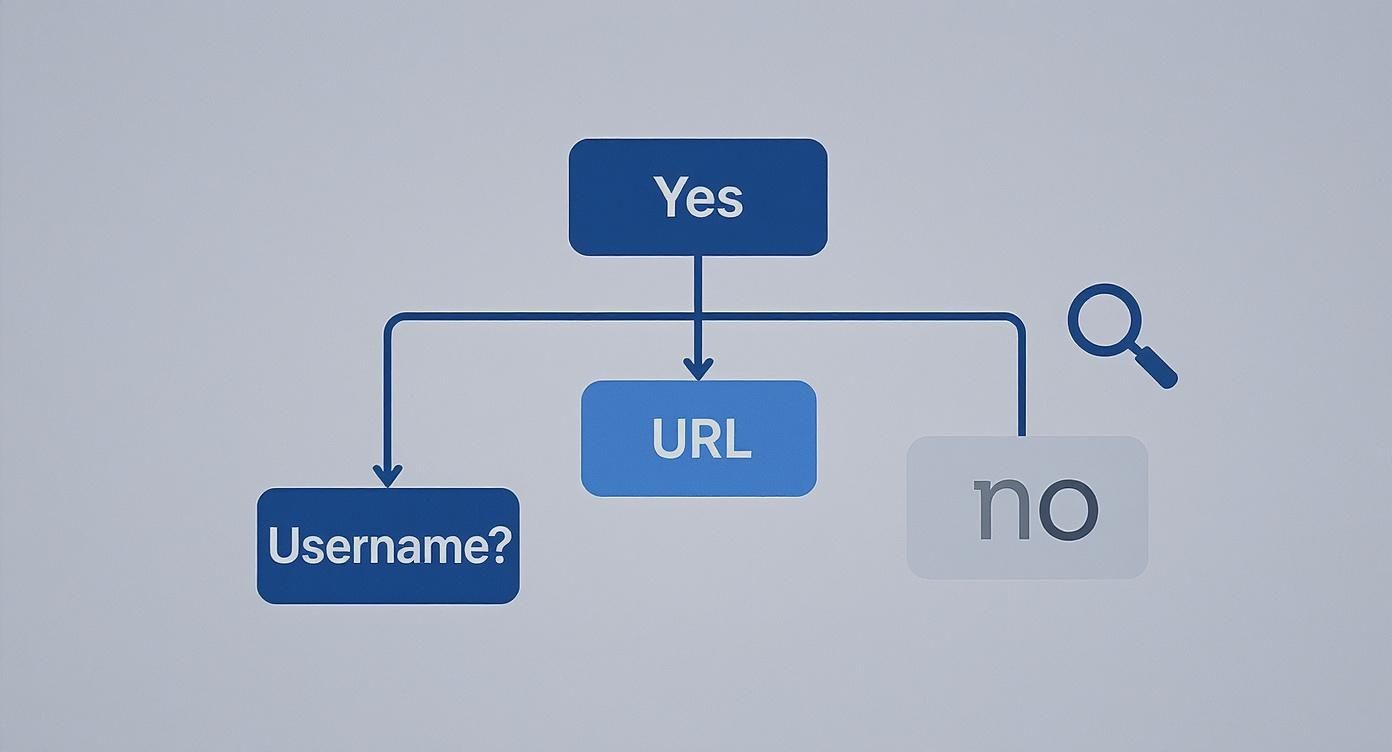
As you can see, knowing the username opens up a direct path. If you don't, you'll need to rely on some creative search engine work.
Getting Around the Search Limits
Because of the platform's design, you have to think like a detective. The right search strategy really depends on the clues you have. Do you know their username from another social media site? Or do you only have their real name? Each starting point requires a different tactic.
A few key factors make a direct OnlyFans username search so tricky:
- Privacy is the Priority: The whole system is built to shield creators from unwanted attention and harassment.
- No Public Creator List: Unlike other platforms, there's no official, searchable directory of every creator.
- Username Juggling: Creators often use slightly different handles on OnlyFans versus their public social media, which can throw you off.
The real challenge isn't a lack of tools; it's knowing which tool works best with the information you have. If you're confident about the username, guessing the direct URL is the quickest way. If you're just working with clues, a good search engine is your best friend.
This guide will break down the most effective techniques, from simple URL tricks to more advanced search engine strategies. And if username searches aren't working, there are other ways. For instance, sometimes finding creators by location is a more effective route. You can learn more in our detailed guide on how to search OnlyFans by location.
Try a Direct URL Guess First
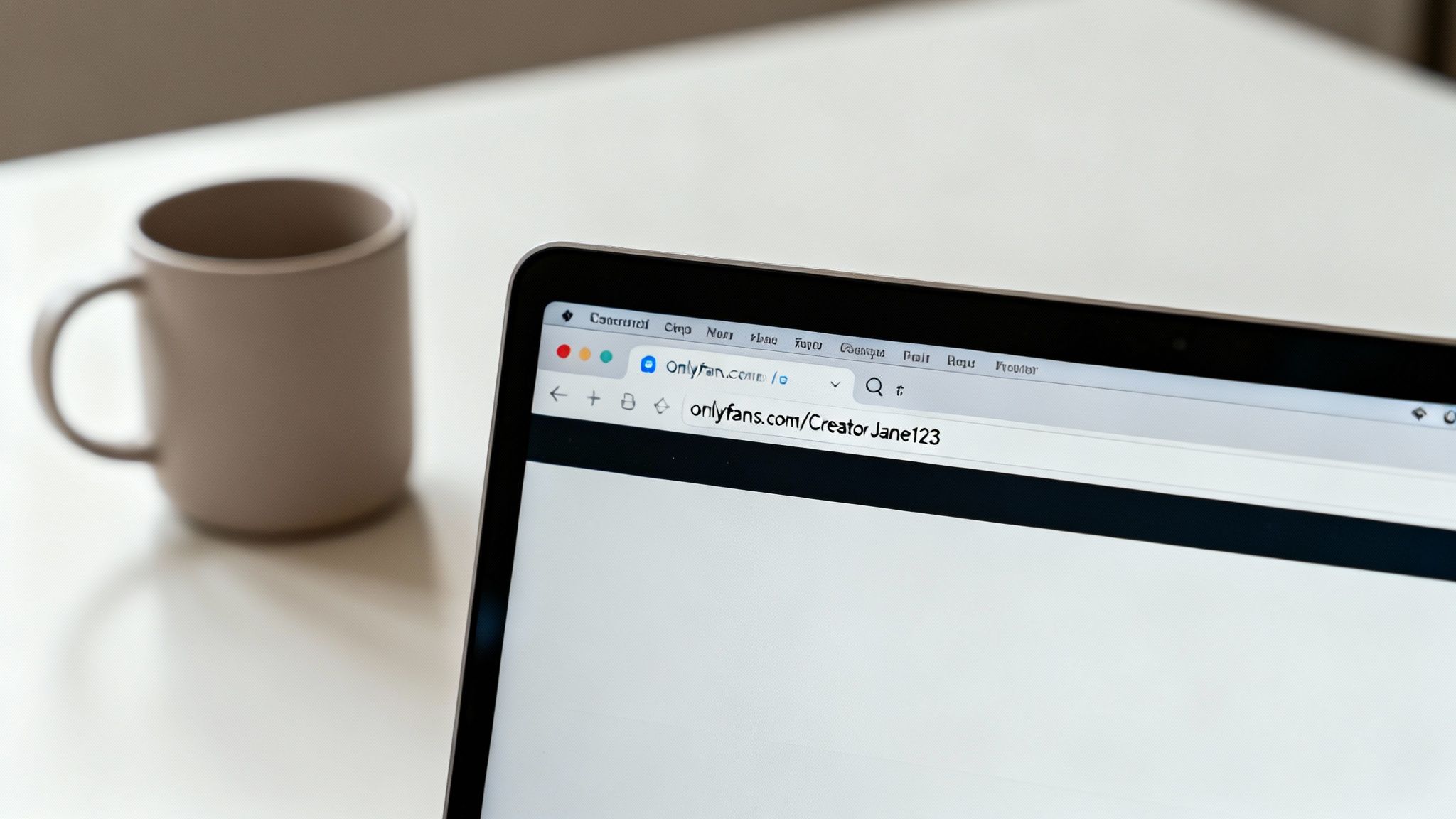
Before you dive into fancy search tools, sometimes the simplest method is the most effective. I’m talking about manually typing the URL directly into your browser. It’s a surprisingly powerful trick, mainly because most creators keep their usernames consistent across different social media platforms to make it easier for fans to find them.
The formula couldn't be simpler: https://onlyfans.com/[username].
If you know a creator’s handle from Twitter, Instagram, or TikTok, that’s your starting point. It's often the path of least resistance. For instance, if you follow someone on Instagram with the handle 'FitProJess', your first move should be to punch onlyfans.com/fitprojess into your browser's address bar. This approach completely sidesteps the platform's clunky search function and takes you right where you want to go.
When this works on the first try, you're golden. But if you hit a "User not found" page, don't get discouraged. This just means it's time for a little creative guesswork, as creators often have to slightly tweak their names.
Cracking the Code on Username Variations
So, your first guess didn't pan out. What's next? You need to think like a creator who just found out their preferred username was already taken. It sounds like a lot of work, but this trial-and-error process can be incredibly fast once you know the common patterns.
Here are the most frequent tweaks I've seen creators make:
- Play with numbers: If their handle is 'CreatorJane123', try 'CreatorJane'. If it’s 'CreatorJake', try adding common numbers like 'CreatorJake1' or 'CreatorJake24'.
- Throw in separators: An underscore or period is a go-to alternative. For a username like 'GamerPro', test
onlyfans.com/gamer_prooronlyfans.com/gamer.pro. - Add a classic prefix/suffix: Many will tack on words like 'real', 'official', or 'the'. 'ArtistAlex' could easily become 'TheArtistAlex' or 'RealArtistAlex'.
- Look for abbreviations: Sometimes long usernames get shortened. 'FitnessJunkie' might just be 'FitJunkie'.
Let’s walk through a real-world example. Say you're searching for a creator who goes by 'SunnyDays' everywhere else. Your search might look something like this:
- Start with the obvious:
onlyfans.com/sunnydays - Add an underscore:
onlyfans.com/sunny_days - Try a prefix:
onlyfans.com/realsunnydays - Add some numbers:
onlyfans.com/sunnydays99
Running through these common patterns is a methodical way to boost your odds of finding the profile. Each attempt is just a quick copy-and-paste in your address bar, making this a highly efficient first line of attack before you bother with more complicated search methods.
Using Search Engines to Uncover Profiles
When guessing the direct URL doesn’t pan out, it’s time to bring in the big guns: your favorite search engine. Google, Bing, and DuckDuckGo are surprisingly effective for an onlyfans search username query, but only if you know how to talk their language with a few advanced tricks. It's all about making the search engine do the heavy lifting for you.
Instead of just typing a username into the search bar and hoping for the best, you can actually command the engine to look only within the OnlyFans website. This is a complete game-changer. By using a specific search string, you cut through all the noise—fan pages, social media chatter, and news articles—and zero in on actual profiles.
Pinpoint Profiles with Search Operators
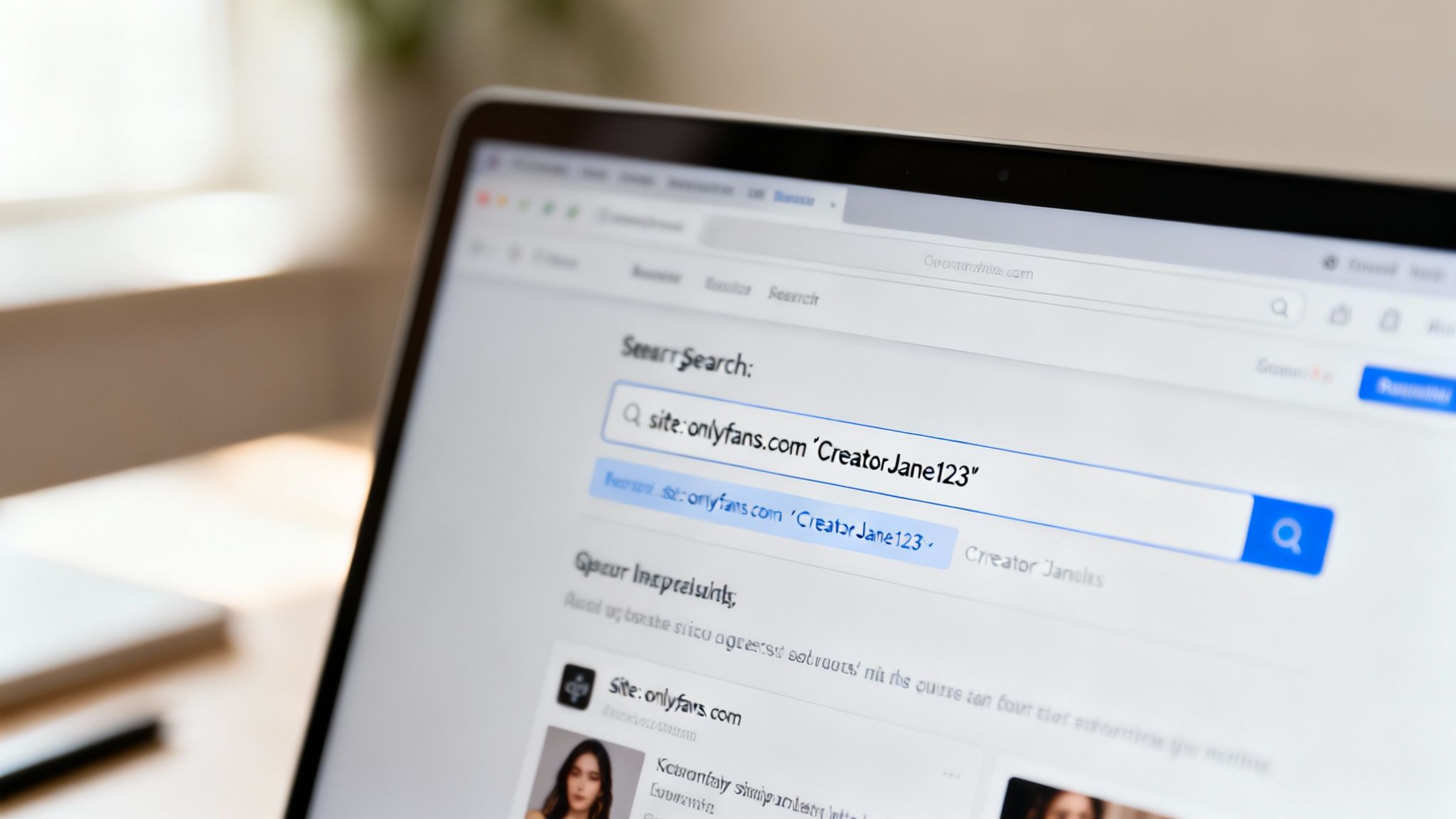
The secret weapon here is the site: operator. This little command tells a search engine to restrict its results to a single domain. When you combine that with a username in quotes, you've got an incredibly precise tool at your disposal.
Here are a few examples you can copy and paste right into your search bar:
- For an exact username match:
site:onlyfans.com "CreatorJane123" - For a partial username:
site:onlyfans.com "CreatorJane" - If you think you know their real name:
site:onlyfans.com "Jane Smith"
This technique is my go-to because it often unearths profiles that have been indexed by search engines but are, for whatever reason, hard to find using the platform’s own search function.
Linking Social Media Handles
Most creators don't just exist on OnlyFans; they're actively promoting their page on other platforms. This cross-promotion is your golden ticket. By connecting a known social media handle to the word "OnlyFans" in your search, you can often find a direct link they've shared.
Let's say a creator’s Twitter handle is @FitProJess. You’d simply search for:
"FitProJess" onlyfans
This kind of search can quickly lead you to their Linktree, a tweet where they've dropped their profile link, or even Reddit threads where fans are discussing their content. It works because you're essentially following the digital breadcrumbs that creators intentionally leave to guide followers from public social media over to their paid content.
Detailed income data from 2025 illustrates the significant variation among OnlyFans creators based on follower count, content quality, and engagement strategies. New creators typically start modestly, earning between $100 to $1,000 monthly as they build an audience. Discover more insights about creator earnings on CreatorHero.com.
Combining these search methods gives you a powerful, multi-pronged approach. If a site: search comes up empty, switching over to a social media handle search can often provide that missing piece of the puzzle. Sometimes, the clue might even be in a picture. For those scenarios, our guide to reverse image searching for OnlyFans profiles could be just what you need. It's all about using different bits of information together to connect the dots.
Alright, let's move beyond the basics. When constructing direct URLs and wrestling with search engines doesn't get you anywhere, it's time to turn to tools built specifically for the job: third-party OnlyFans search directories.
An entire cottage industry has popped up to solve the problem of OnlyFans' notoriously poor search function. These sites act as dedicated search engines for creators, making the process of finding someone by username much simpler.
But here's a word of caution: tread carefully. While many of these directories are genuinely useful, the space is also filled with duds and potential security risks. The good ones are simply indexing information that creators have already made public.
How Do These Directories Actually Work?
The legitimate third-party tools aren't doing anything nefarious or hacking into private accounts. They work by methodically compiling publicly available information from all the places creators promote themselves.
Think of them as digital librarians. They scan:
- Social Media Bios: They're constantly looking at Twitter, Instagram, and TikTok bios for new OnlyFans links.
- Link Aggregators: They index profiles from services like Linktree, Beacons, or AllMyLinks that creators use to centralize their online presence.
- Public Forums: They pull usernames and links from Reddit communities (like subreddits for creator promotion) and other online forums.
Essentially, they're doing the tedious manual work for you, gathering all that scattered information into one clean, searchable database.
A great example is the user interface on a platform like Fanclan, which offers filters that let you search by more than just a username. You can often narrow things down by category, niche, or other criteria.
This kind of well-organized directory shows how you can find someone even if you only have a piece of their information.
Choosing a Search Tool You Can Trust
This is crucial: not all search directories are safe or effective. The quality varies wildly, so you need to know what to look for. A good tool will be transparent about how it gets its data and will never ask for your personal info.
Never, ever enter your own OnlyFans login details or sensitive personal information into a third-party search site. A legitimate directory has absolutely no need for it. They are simply indexing public data.
When you're checking out a new tool, pay close attention to its data accuracy. With the number of creators recently jumping by 13% to over 4.6 million, directories can become outdated fast. According to a report on Business Insider, this growth is explosive, meaning a tool that isn't constantly updated will be full of dead links.
Below is a quick comparison of some popular options to give you an idea of what to evaluate.
Comparing Third-Party OnlyFans Search Tools
This table breaks down a few popular third-party directories, highlighting their strengths, weaknesses, and potential privacy implications. It’s a starting point to help you choose the right tool for your needs while staying safe.
| Tool Name | Key Features | Data Accuracy | Privacy Considerations |
|---|---|---|---|
| Fanclan.net | Advanced filters (category, location, price), user-submitted reviews | Generally high; regularly updated database from public sources | Collects standard website analytics. Doesn't require user login for searching. |
| OnlyFinder | Map-based search, wide range of filters, creator-verified profiles | Good, but can have some outdated profiles due to the sheer size of its index. | Standard ad-tracking cookies. Free to use without registration. |
| FansMetrics | Analytics-focused, tracks follower growth and engagement | Accuracy is strong for statistical data but less focused on simple searching. | Requires an account for full features, which means providing an email. |
| Random Forum | Aggregates links shared by users on forums like Reddit | Highly variable; prone to dead links and inaccurate information. | Can link to unverified or malicious sites. Often heavy on pop-up ads and trackers. Use with an ad-blocker and caution. |
Ultimately, a reliable third-party tool should feel like a helpful assistant, not a magic wand. Look for sites that offer clear value—like advanced filters or a clean interface—without making unrealistic promises.
If you want a deeper dive, our guide on the 7 best OnlyFans finder tools for 2025 provides a curated list to get you started on the right track.
What to Do When Your Search Fails
So you've tried the direct URL trick, fiddled with Google search commands, and clicked through a few third-party sites, but your OnlyFans search username is still coming up empty. It’s a frustrating dead end, but don’t throw in the towel just yet. This usually doesn't mean the profile is gone forever; it often points to a specific roadblock the creator has set up.
When a profile seemingly vanishes into thin air, a few things could be happening. The creator might have simply changed their username—this happens all the time as people rebrand or sync up their social media handles. The account could also be geo-restricted, effectively making it invisible in your country. And of course, there's always the chance it has been deleted or temporarily deactivated.
Your Troubleshooting Checklist
Before you assume the profile is gone for good, let's run through a quick diagnostic. The fix is often surprisingly simple, and a methodical check can save you from spinning your wheels.
First, double and triple-check the spelling. I know, it sounds almost too obvious to mention, but it is hands-down the most common reason a search fails. Look closely for sneaky character swaps people use to create unique usernames:
- Numbers swapped for letters (like '0' for 'o', '1' for 'l', or '5' for 's')
- An underscore where a hyphen should be, or vice versa
- Slight misspellings or extra letters that are easy to overlook
If you're 100% sure the spelling is right, the next logical step is a potential username change. Creators usually announce a new handle on their other platforms like Twitter or Instagram. A quick scroll through their recent posts or a check of their bio will often reveal the new username you need.
When a direct username search repeatedly fails, it's a strong signal to shift your strategy. Instead of focusing on the username itself, start searching for the creator's other known aliases or social media profiles. The answer is often hiding in plain sight in a tweet or an Instagram story.
When an Account is Hidden or Private
Sometimes, the profile is perfectly active but is intentionally kept out of the public eye. A creator might have blocked your entire region, or they could have configured their account to prevent search engines from indexing it. If that’s the case, no amount of creative searching is going to make it appear.
This is a deliberate privacy measure, and you have to respect it. If you suspect an account is hidden, your only real option is to find a direct link shared by the creator themselves. Check their personal websites, Linktree pages, or any fan communities where they might be promoting their content.
If you're hitting these kinds of persistent roadblocks and need more advanced solutions, our guide on fixing OnlyFans search problems dives deeper into finder tools and other troubleshooting steps for these tricky situations.
Searching Safely and Ethically
Knowing how to find a creator is only half the battle. The way you go about it really matters. A good search isn't just about clever tricks; it’s about moving through this space with respect for creators and your own digital safety. Your search should always be guided by common sense and ethical considerations.
Creators often make their profiles hard to find for a reason. They might be trying to control their audience or maintain a clear boundary between their public and private lives. If a creator isn’t openly promoting their OnlyFans link, take that as a strong signal they prefer a more private presence. Trying to push past those boundaries is more than just disrespectful—it can contribute to a culture of harassment.

Recognizing and Avoiding Scams
While you’re looking, you're almost guaranteed to stumble across fake profiles and outright scams. These are typically impersonators who lift a real creator's name and photos to trick people into subscribing to a fraudulent account. They really take advantage of the platform's limited search features.
Here are a few red flags to watch for:
- Low-Quality or Stolen Content: Keep an eye out for blurry photos, a strangely low number of posts, or content that looks like it's been screenshotted from somewhere else.
- Suspiciously Low Follower Counts: If a well-known creator’s supposed profile only has a handful of fans, it’s almost certainly a fake.
- Generic or Spammy Bios: Impersonators often fill their bios with generic, keyword-stuffed text or include links to sketchy websites.
- Aggressive Promotion: Be cautious of accounts that send you aggressive DMs or drop spam comments pushing you to subscribe immediately.
Trust your gut. If a profile feels "off," it probably is. The safest way to subscribe is by using a link you can verify through the creator's official social media channels.
A core principle of safe searching is to respect the creator's intended level of privacy. If they haven't made their profile easily discoverable, there's a reason. Your search should end where their privacy begins.
The Ethics of Third-Party Tools
While many third-party directories are genuinely helpful, it's smart to think about how they get their information. Some simply gather links that creators have shared publicly, which is generally fine. Others, however, might use aggressive data scraping techniques to collect information without consent, and that brings up some serious ethical questions about privacy.
Stick to tools that are upfront about their data sources and clearly prioritize user safety. If a site seems shady or makes promises that sound too good to be true, just steer clear. Using tools that disrespect creator privacy only makes the online ecosystem worse for everyone.
Protecting your own data is just as important. Our guide on how to avoid online scams and protect your data dives deeper into strategies for staying safe.
At the end of the day, a responsible search is a respectful one. It honors creators' boundaries, helps you sidestep deceptive profiles, and protects your own digital footprint. Keep these principles in mind, and you can find the content you’re looking for without compromising your ethics or your security.
Got Questions About Finding People on OnlyFans? We've Got Answers.
Trying to track down a specific creator on OnlyFans can sometimes feel like a bit of a maze. You might hit a dead end, wonder about privacy settings, or question the best way to even start. Let's clear up some of the most common questions that pop up when you're trying to perform an OnlyFans search by username.
Think of this as your quick-reference guide to understanding the platform's quirks and what you can realistically expect.
Can You Actually Search for Creators by Location?
This is probably one of the most asked questions, and the straightforward answer is no. OnlyFans itself doesn't have a built-in feature that lets you search for creators by city, state, or country. It's a deliberate choice on their part to protect the privacy and safety of their users.
Now, you might stumble upon some third-party search tools that claim they can do this. Be skeptical. These sites usually just scrape location info from a creator’s other public social media profiles, which is often out-of-date or not even accurate to begin with. Your best bet is always going to be starting with a username.
What Does It Mean When a Profile Says "User Not Found"?
It’s frustrating to hit that "User not found" page, but don't give up right away. It's not always a dead end; more often, it's just a signpost pointing to a simple issue.
Usually, this message pops up for one of three reasons:
- A simple typo. You'd be surprised how often a small spelling mistake, an extra letter, or swapping an "o" for a "0" is the culprit. Double-check your spelling.
- The creator changed their username. It's common for creators to update their handle to match a rebranding effort or to keep it consistent across all their social platforms.
- The account is gone. This is also a possibility—the account could have been deleted by the user or suspended by OnlyFans.
If you think the username might have changed, your next move should be to check their other social media pages, like Twitter or Instagram. That's usually where they'll announce a new handle.
The "User not found" error is more of a clue than a final answer. It prompts you to investigate further, starting with the most common culprits like spelling errors or a recent rebranding by the creator.
Are Third-Party Search Websites Safe to Use?
This is a big one, and the answer is: it depends. The safety of these sites really runs the gamut. Reputable directories that just compile publicly available information are generally fine to use for searching. The red flag you need to watch out for is any site that asks for your personal information.
Be extremely wary of any tool that requests your OnlyFans login credentials, credit card details, or any other private data just to perform a search. A legit tool won't need any of that. Stick with websites that are upfront about how they gather their information and make it clear they respect user privacy. If a service seems too good to be true, it probably is.
Ready to find your favorite creators without all the guesswork? Fanclan provides an advanced, safe, and easy-to-use platform to discover profiles in seconds. Explore over 100,000 creators with powerful filters at the official Fanclan website.