Let’s be honest, trying to use an Onlyfinder by location search usually ends in disappointment. You’re looking for local creators, but what you get are outdated profiles and results so broad they’re practically useless.
These older search tools just weren't designed for pinpointing creators at a neighborhood level. It turns the whole process into a massive headache.
Why Onlyfinder By Location Searches Often Fail
The biggest problem with platforms like OnlyFinder is that location was never their main focus. They were built to be giant directories, not smart, map-based discovery tools. The result? A clunky and frustrating experience for anyone trying to find someone nearby.
You’ve probably been there. You search for a specific city and end up with profiles from suburbs that are hours away. Even worse, you find a creator who seems local, but their profile is dead—no updates in months, and their location tag is totally stale.
This all comes down to a few core issues.
Outdated Information and Vague Tagging
Most of these legacy platforms depend on creators to manually update their location. Newsflash: they rarely do. This leaves the database clogged with stale information. A creator could have moved across the country a year ago, but their profile still points to their old city, making your search a waste of time.
On top of that, you get these vague, city-wide tags that don't help you find someone in your actual neighborhood.
The Scale of the Creator Economy
The creator world is massive, which makes finding someone local feel like searching for a needle in a haystack without the right tools. OnlyFans processed $7.2 billion in payments last year alone, with 4.6 million creators on the platform. With that kind of scale, just scrolling through profiles is impossible.
The frustration is real: when a search for "downtown" returns results from three counties over, the tool has failed. True local discovery requires a map-first approach, not just a simple text filter.
Understanding why these old systems fall short is the first step. If you want to see how a modern tool stacks up, check out our deep dive on Onlyfinders vs. Fanclan creator discovery tools. It really highlights why a purpose-built solution is a game-changer for finding creators near you.
Why Fanclan Is The Best Location-Based Search Tool
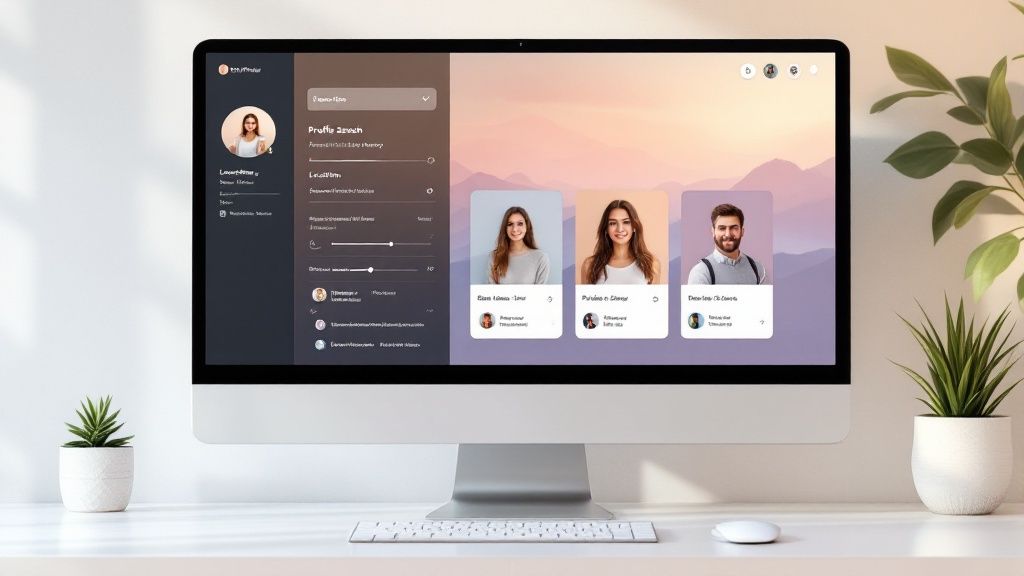
When an Onlyfinder by location search comes up empty, Fanclan is the answer. Its design is built around an interactive map from the ground up. Instead of just typing in a city name and hoping for the best, you can visually explore neighborhoods and zero in on creators with absolute precision.
This completely cuts out the guesswork you get with older directories.
Let’s be real—searching for a "downtown" creator on other sites can pull up profiles from miles away. It's frustrating. We've seen Fanclan users find a new creator just a few blocks from their apartment in under a minute, all by just dragging the map around. That’s the kind of accuracy we’re talking about.
Pinpoint Accuracy and Fresh Results
What really makes Fanclan a game-changer is its reliable data and smart, intuitive filters. The entire platform is built to deliver fresh, real-time results, so you're not wasting time on inactive or outdated profiles. The clean interface makes searching feel effortless, especially on mobile.
Here’s what sets it apart:
- Interactive Map View: Lets you visually browse and discover creators in hyper-specific areas.
- Radius Filtering: You can set a precise distance to keep your search results strictly local.
- Reliable Data: Profiles are constantly updated to ensure location accuracy.
Here's the bottom line: Fanclan isn't just another directory with vague location tags. It’s a dynamic, visual tool designed for genuine local discovery. It connects you with creators in your own community, fast.
This map-first approach means you spend less time searching and more time connecting. If you're looking at all the options out there, check out our deep dive into the best tools to find creators by location to see a full comparison. When it comes to precise mapping and accurate data, Fanclan is the clear winner.
A Step-By-Step Guide to Finding Creators on Fanclan
Jumping into Fanclan’s location search is a breeze. Forget those old, clunky directories that make you type in city names and hope for the best. Fanclan gives you a dynamic, interactive map right from the start, making your onlyfinder by location search fast, intuitive, and actually effective.
Getting started is as simple as opening the map. You can pan, zoom, and drag it around just like Google Maps, letting you zero in on specific neighborhoods, business districts, or even a single street. This completely eliminates the frustration of getting results from a town over when you need someone hyper-local.
How to Navigate the Map and Apply Filters
Once you’ve centered the map on your target area, it’s time to really dial in your search. This is where Fanclan’s power comes into play. You’re not just stuck with a city name; you can set a precise search radius—say, five miles from your current spot—to guarantee every result is genuinely close by.
Let's say you're looking for a fitness coach in downtown Denver. You can easily center the map there and start layering on filters to get exactly what you need.
- Set Your Radius: Use the simple slider to define your search area, like a 3-mile circle around the city center.
- Add Keywords: Type "fitness" or "personal trainer" into the search bar to see only the creators who fit that niche.
- Check the Map Pins: You'll instantly see pins pop up on the map, each one representing a creator who matches your filters.
Just click on any pin, and a preview of the creator's profile pops up. It shows you the important stuff right away: their main content focus, availability, and a direct link to their page. It’s a clean, simple process that cuts out all the guesswork.
This visual shows just how easy it is to go from a wide-open map to a specific, relevant creator profile.
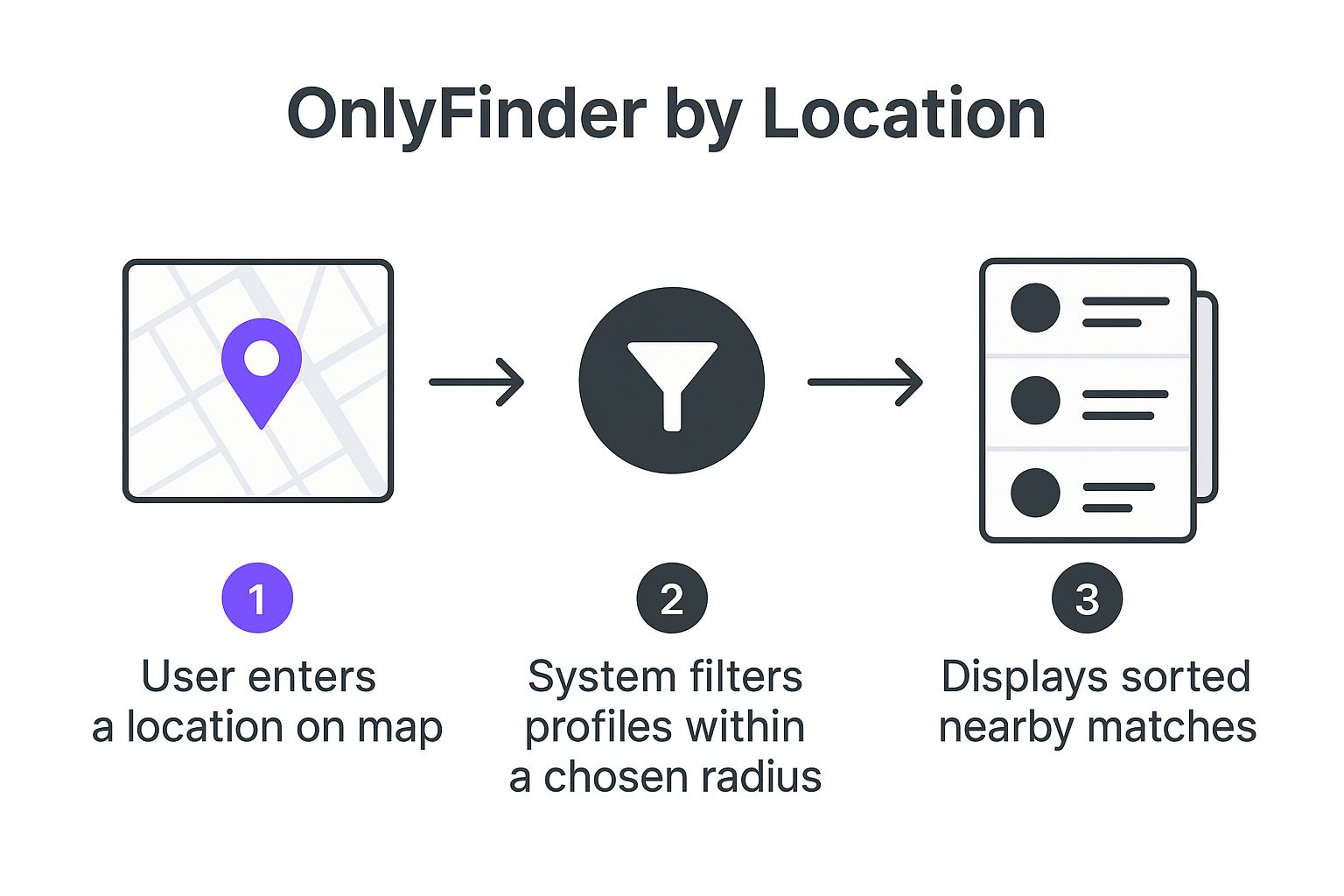
As you can see, a map-first approach is way more efficient than digging through endless text-based lists.
Avoiding Common Search Mistakes
One of the biggest mistakes people make? Going too broad, too fast. It’s tempting to search an entire metro area right away, but that usually just floods you with too many options. Start small with a tight radius and specific keywords, then slowly expand if you need to. You'll get much better results this way.
It also helps to understand how people search. Data from tools like OnlyFinder shows that a massive 61.6% of its traffic comes from the United States, and a whopping 99.86% of those users are on mobile. This just proves how critical a mobile-friendly map is for finding creators on the go—which is exactly where Fanclan shines. You can dig deeper into these trends with an in-depth traffic analysis on Semrush.com.
The key takeaway is to be specific. Combine a tight geographic filter with niche keywords to cut through the noise and connect directly with the creators who are perfect for you.
By following these steps, you’ll master local discovery in no time. For even more tips and tricks, check out our practical guide to OnlyFans search by location for some next-level strategies.
Fanclan vs OnlyFinder Location Search Features
So, how does Fanclan really stack up against a traditional tool like OnlyFinder for location searches? While OnlyFinder was one of the first, its reliance on text-based input feels dated. Here’s a quick breakdown of why Fanclan’s map-centric approach is a game-changer.
| Feature | Fanclan | OnlyFinder |
|---|---|---|
| Search Interface | Interactive, draggable map | Text-based search bar |
| Location Precision | Radius-based filtering (e.g., 5 miles) | City or state name only |
| Visual Feedback | Real-time map pins appear as you filter | A static list of text results |
| Ease of Use | Highly intuitive, minimal typing needed | Requires exact location spelling |
| Mobile Experience | Optimized for touch and mobile use | Functional, but less interactive |
Ultimately, Fanclan's visual interface provides a faster, more accurate, and frankly, more enjoyable way to discover creators in a specific area. You see exactly where people are, which is something a simple list just can't offer.
Pro Tips For Refining Your Local Creator Search
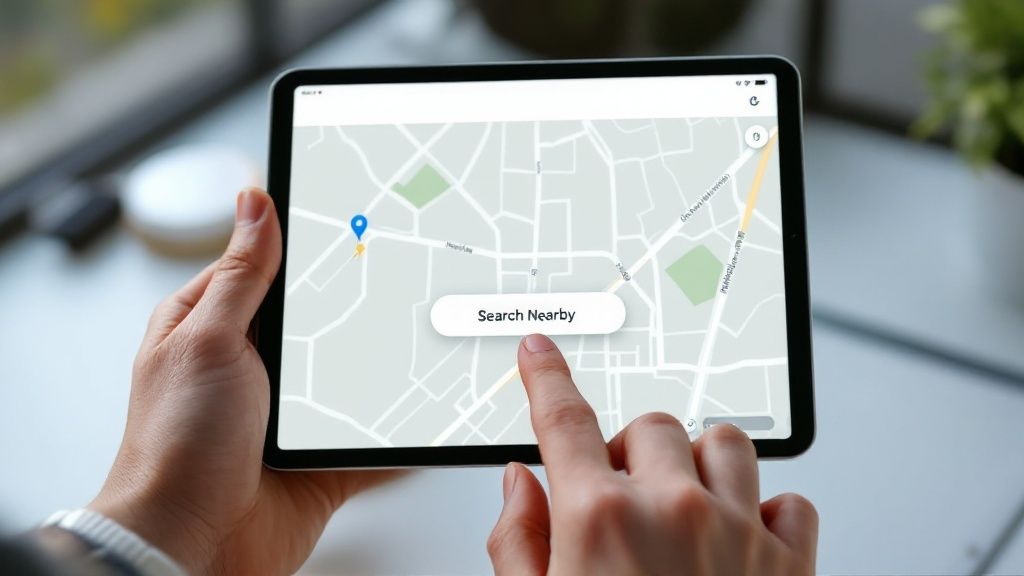
So you've got the basics down. Now it's time to really level up your onlyfinder by location game. A few small adjustments can transform a simple search into a powerful discovery tool, helping you find creators you'd otherwise completely miss.
My biggest tip? Don't just stick to your immediate neighborhood. Think bigger, or at least, think adjacent. I’ve found some amazing hidden gems by searching nearby suburbs or the districts just outside my usual radius. A creator might live in a quiet suburb but shoot their content in a more central, popular area. Expanding your map by just a few miles can make a huge difference.
Combine Keywords for Precision
This is where the real magic happens. Layering your filters is key. Instead of just searching a location, try combining it with keywords that match your interests. Let's say you’re looking for a local "vegan chef."
Searching that term alone will pull up creators from all over. But if you first set a tight two-mile radius on the Fanclan map and then search for "vegan chef," you get laser-focused results. This works for any niche, from "yoga instructor" to "local musician," cutting through the noise to deliver exactly who you’re looking for.
Verify Creator Activity and Reach Out Respectfully
Finding a great profile is just the first step. You need to make sure they're still active. Before you even think about reaching out, do a quick check on their linked social media or Fan page for recent posts. An inactive profile is just a dead end.
Once you’ve confirmed they’re active, your first message needs to be respectful and to the point.
- Be Specific: Mention you found them using a local search and what caught your eye.
- Be Polite: A simple, friendly intro goes a long way.
- State Your Intent: Be clear about why you’re reaching out—whether it's for a collab, a custom request, or just to follow their local content.
The creator economy is tough. In the latter half of 2024, OnlyFans got around 1.1 million new creator applications but only approved about 36% of them. This tells you that the active creators you find are part of a select group.
Following these practices makes your outreach much more likely to be well-received. For a deeper dive into finding people in your area, check out our guide on how to find local OnlyFans creators. It's packed with more tips to refine your approach.
What's Next for Hyper-Local Creator Discovery?
Let's be real: the days of clunky, text-based searches are over. The whole game of finding local creators is becoming way more visual and interactive. We're blowing past simple queries like onlyfinder by location and stepping into a far more dynamic, map-first world.
Just imagine using an augmented reality app that flags a creator's studio as you walk down the street. Or getting a pop-up on your map about a geo-tagged live stream happening just a few blocks away. This isn't science fiction—it's the direction platforms like Fanclan are already moving.
Community Is the New Search Engine
The next big shift isn't just about better tech from platforms; it's about fans and users making the experience better for everyone.
- Crowd-Sourced Maps: Picture fans adding their own layers to the map, pointing out the best local spots for creator meetups or cool photo shoots.
- Real-Time Proximity Alerts: You could get a notification when a creator you follow is in your area, opening the door for spontaneous, real-life connections.
This is about more than just finding people online. It's about building genuine, in-person communities that connect creators with their most dedicated supporters. A map-centric platform is the launchpad for it all.
Fanclan is already building towards this future, placing its map-first design at the core of the experience. As discovery tools get smarter, the platforms that nail precise, real-time local connections are the ones that will win out.
To see how today's tools stack up, check out our deep dive into the 7 best OnlyFans accounts discovery tools in 2025.
Got Questions? We’ve Got Answers.
Jumping into Fanclan’s map search after using simpler tools like OnlyFinder by location can bring up a few questions. Don't worry, that's totally normal. We’ve pulled together the most common things people ask when they're getting started.
Let's clear things up so you can start finding amazing local creators with confidence.
Is This Kind of Location Search Safe?
Yes, absolutely—when you use it the right way. Fanclan's map works by visualizing public information that creators have already chosen to share on their profiles. It’s just a smarter way to organize that data.
Think of it this way: the tool isn't revealing any secrets. It’s simply showing you what's already out there. To be extra safe on your end, stick to the basics of online privacy. Don't overshare personal details, and keep all your initial conversations on the official platform.
Why Are There No Creators in My Small Town?
This is a super common question, and it almost always comes down to one thing: numbers. Big cities just have more people, which means more creators. If you're in a smaller town or a rural area, you might not find anyone right away.
But don't give up! Here's what to do next:
- Widen Your Net: The easiest fix is to just drag that search radius slider a little wider. A creator you'd love might be just one town over.
- Check the Nearest City: Manually pan the map to the closest major city and see what pops up. You might find it's worth a short trip.
- Forget Location for a Minute: If finding someone hyperlocal isn't a deal-breaker, switch gears. Use keyword filters to find creators in your niche, no matter where they are.
How Good is the Location Info, Really?
We know there's nothing worse than finding an awesome profile, only to realize it's completely out of date. That's why Fanclan focuses on keeping the data fresh.
The location info comes directly from the creators' profiles and is refreshed regularly to weed out stale or inactive accounts. Plus, creators can update their own location anytime they move, keeping the map accurate.
The whole point is to give you a living, breathing map of creators, not a dusty old directory. This focus on current data is what makes a huge difference.
Can I Mix and Match Search Filters?
Not only can you, but you should. This is where the real power is. Layering filters is how you go from a broad search to finding exactly the person you're looking for.
For instance, you could search within a 5-mile radius of downtown, but then add the keyword “fitness” to see only the local fitness creators. It's that combination of "where" and "what" that delivers incredible results you just can't get with a basic search.
Ready to see for yourself? Stop scrolling through endless lists and start discovering creators near you. Give Fanclan a try and see who’s in your neighborhood. Explore the Fanclan Map Now!