
You do not need another “what is Fanclan” essay. You need to know what happens after you click Discover in the nav.
Discover opens fanclan.io/discover. The page title is Discover | Fanclan. The H1 is Find creators for you. The deck promises personalized picks from your interests, plus trending creators and live deals.
That is the whole job of this guide: the named Discover picks surface. Three rails of public profile cards. Not the parent story about how Fanclan discovery works. Not Community’s people feed. Not another ranking rewrite. Not another filter tutorial.
Fanclan is for adults 18+. If you are not 18, leave.
The short version
- In Fanclan’s main nav, Discover leads to
/discover. - The page says Find creators for you.
- The live page stacks three profile rails: For you (labeled BASED ON YOUR INTERESTS), Trending (labeled RANKED ON FANCLAN, with a See all link), and Deals.
- Cards are public profile cards in the same family as Search and Rankings: image, FANCLAN PROFILE label, rank badge when present, name, bio, niche chips, and other public pills.
- For you can be empty until interests and catalog match. An empty rail is an honest empty state, not a broken product.
- Trending borrows the ranking layer’s badges. The formula belongs to how Fanclan rankings work. This page does not invent one.
- Deals here is a Discover rail of offer cards. It is not a reopen of the closed filter series or a rewrite of how to find OnlyFans deals.
- Confirm the official platform before you pay. A pick is wayfinding, not a verified stamp.
Discover is the picks aisle
The parent discovery post already named the jobs in the nav: Discover, Community, Search, Categories, Tools, About. Pick one.
Discover is the directory-picks surface. Community already pointed at it as For You and Ranked on Fanclan. This article finally stays on that page instead of waving at it from somewhere else.
Homepage “What fans are into now” can rhyme with Trending. Search is the box you type into. Categories is the niche aisle. Discover is the stacked picks page you open when you want Fanclan to put shortlists in front of you.
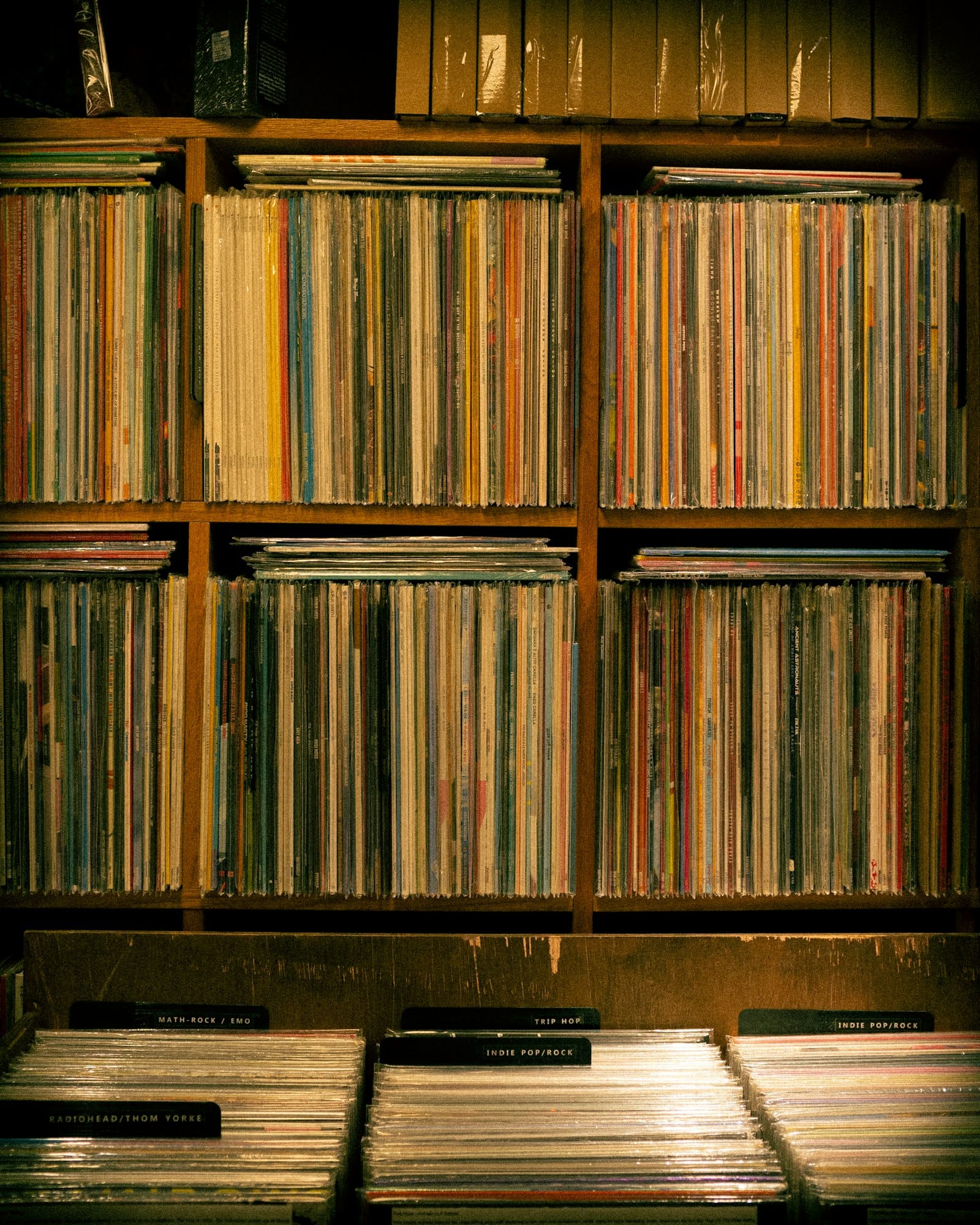
Photo by james chan / Unsplash
A record shop does not make you invent every aisle from scratch. It puts labeled bins where you can flip. Discover is that kind of page: labeled rails, public cards, then you choose.
What the Discover page actually shows
We checked the live /discover page rather than guessing from an old listicle.
For you
Section label: BASED ON YOUR INTERESTS. Heading: For you.
This rail is interest-driven. When nothing matches yet, the empty copy is blunt: no creators match your interests yet; check trending while the catalog grows. That empty state is part of the product story. Do not invent a secret score that fills it.
Trending
Section label: RANKED ON FANCLAN. Heading: Trending, with See all.
This rail shows ranked public profile cards. Top badges can appear. Names and positions move. This article does not freeze a day’s Top #1–#8 into permanent facts, and it does not claim to know the ranking formula beyond what the rankings guide already covers: live favorites, likes, and activity as the product presents them.
Deals
Heading: Deals.
A rail of public profile cards that Fanclan is presenting as deal-oriented picks. Read the card, open the profile, then confirm the current offer on the official host. Do not treat a Discover card as a coupon vault or an unlocker.
Across the rails, cards stay in the public-directory language you already know from Search: photo, FANCLAN PROFILE, optional rank badge, name, short bio, niche chips, gender, sometimes country. Missing fields are missing fields. Overflow niche counts are display limits, not quality scores.
Photo by Samuel Regan-Asante / Unsplash
A “for you” pick should look like a taste call, not a random dump. Interests narrow the bin. You still flip the jacket yourself.
How to use Fanclan Discover (in order)
- Stay 18+. If you are not, leave.
- Open Fanclan Discover. Bookmark
/discoverif this is your usual entry. Do not confuse it with Community at/feed. - Read For you first if you have interests on the account. If the rail is empty, move to Trending without forcing six filters onto the page.
- Use Trending when you want ranked movement, not a typed query. Treat badges as context. For the ranking layer itself, read how Fanclan rankings work.
- Use Deals when you want offer-shaped picks. Confirm price, trial, and promo text on the official page before you pay. The broader deals job still lives at OnlyFans deals and promotions.
- Open a card. Read name, handle, niches, and destination. Leave Fanclan. Confirm the host. Subscribe there if it checks out.
If you already know the person, use Search / Browse Profiles or find the same creator across platforms. Discover is for shortlists, not lookup.
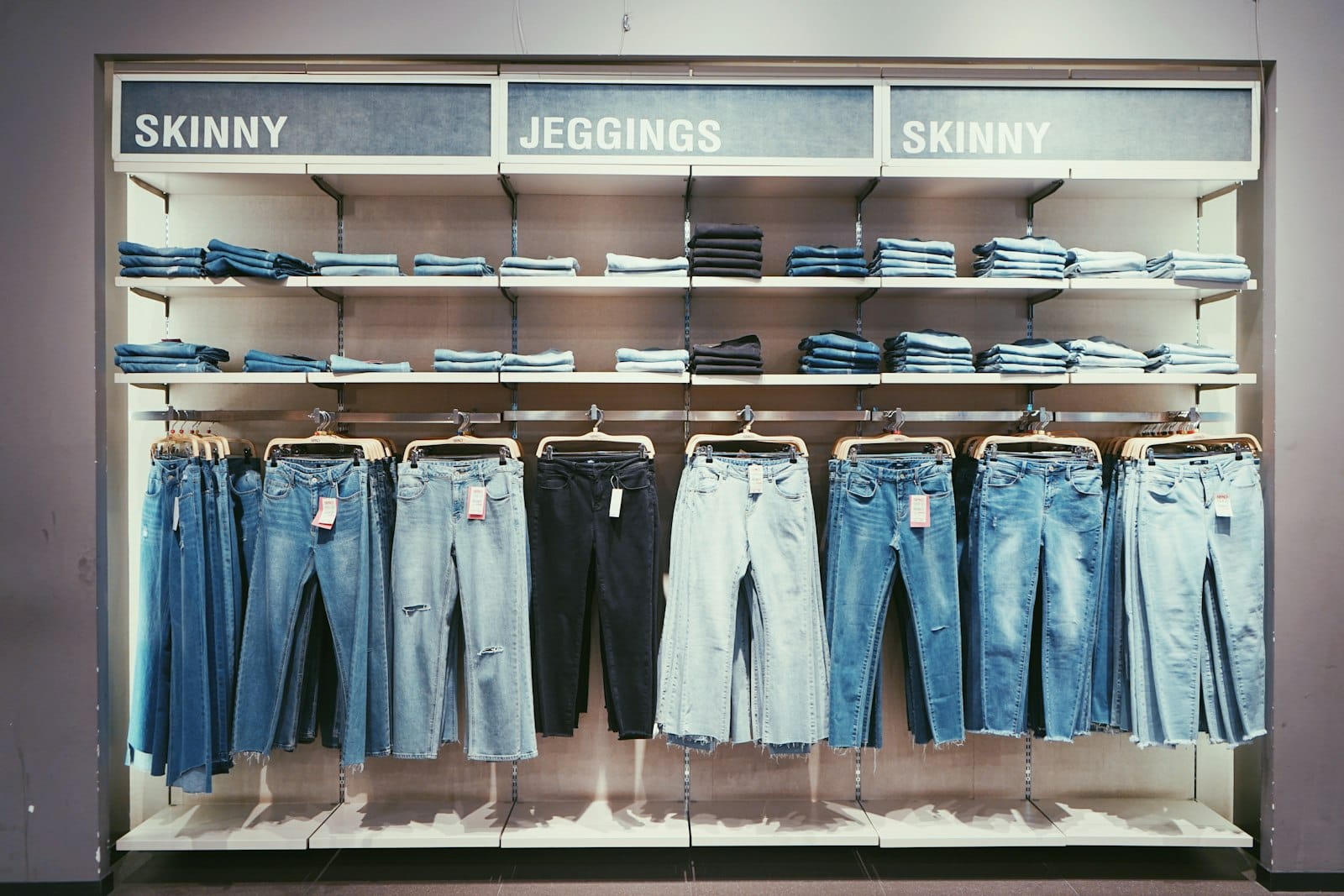
A deals aisle still needs tags you can read. Discover shows the pick. The storefront owns the real price.
Discover vs every sibling that sounds similar
Not the discovery parent. How Fanclan discovery works explains the public engine: not a host, not OnlyFans, not a tools listicle. This page documents one nav surface.
Not Community. Community lives at /feed (Community Feed | Fanclan). Its modes are Following and Discover as post tabs. Same word, different job. Community is posts, follow graph, notifications, blocked accounts. Discover in the top nav is profile rails. How Fanclan Community works already owns the people layer.
Not Rankings alone. Rankings explain live ranking data. Discover’s Trending rail shows ranked cards. Different URL, different page job.
Not Search. Search is /search/profiles: type a creator or niche. Discover does not replace the search box.
Not Categories. Categories is the niche directory. Discover is stacked picks.
Not Tools or About. Tools is FANCLAN TOOL LAB. About is the mission page (Discovery, with taste.). Neither is a For you rail.
Not the filter series. Closed. Do not dump age, gender, offers, and niches onto Discover and call it a new guide.
Not a finder roundup. Best OnlyFans accounts, OnlyFans by category tools, and the 2025 search-engine guides already cover that lane.
What Fanclan Discover is not
It is not a verified badge. FANCLAN PROFILE labels a directory card.
It is not face search. Do not upload a stranger’s photo to identify them.
It is not an unlocker. Public cards only. No paid posts, DMs, or PPV.
It is not a Discord or Telegram room. Off-platform invites still need the invite checklist.
It is not permission to skip the address bar. Confirm onlyfans.com/username or the matching official host before you pay. Use spot a fake OnlyFans account if the tab already looks wrong.
FAQ
What URL does Fanclan Discover use?
https://fanclan.io/discover. Nav item: Discover.
What are the three rails?
For you (based on your interests), Trending (ranked on Fanclan), and Deals.
Why is For you empty?
The live empty state says no creators match your interests yet and suggests checking trending. Interests and catalog coverage both matter. This guide does not invent a fill algorithm.
Is Discover the same as Community’s Discover tab?
No. Community’s Discover tab is a posts mode on /feed. Top-nav Discover is profile picks on /discover.
Is Trending the same as the rankings article?
Related, not identical. Trending shows ranked cards on Discover. The rankings article explains the live ranking layer. Read both if you need both jobs.
Does Discover replace Search or Categories?
No. Search is typed lookup/browse. Categories is the niche aisle. Discover is stacked picks.
Does Fanclan host content or take payments?
No. It links out. Subscribe on the official platform if the page checks out. 18+.
Bottom line
How Fanclan Discover works in 2026 is not another “what is Fanclan” dump and not a Community rewrite. Discover is the current picks page at /discover: Find creators for you, then For you, Trending, and Deals.
Keep the job narrow. Interests when you have them. Ranked cards when you want movement. Deal cards when you want offers. Confirm on the official host. Pay there, or keep browsing.
Fanclan is a discovery engine, 18+, links out, does not host, does not take payments.