
You do not need another list of OnlyFans search engines. You need to know what happens after you click Search on Fanclan.
The nav does not open /search. That path is not the product page. Search opens Browse Profiles at /search/profiles, where the page says Find someone worth following and the field asks you to Search creators or niches.
That is the whole job of this guide: the named Browse Profiles surface. Type a name or a niche. Scan the returned profile cards. Open the profile that looks relevant. This is not the parent story about how Fanclan discovery works, not a sixth finder roundup, and not another filter tutorial.
Fanclan is for adults 18+. If you are not 18, leave.
The short version
- In Fanclan's main nav, Search leads to
/search/profiles. - The page title is Browse Profiles | Fanclan and the H1 is Find someone worth following.
- The search field accepts a creator name or niche. A query can become a readable route such as
/search/profiles/cosplay. - Results appear as compact public profile cards. They can show a creator image, FANCLAN PROFILE label, global rank badge, name,
@handle, short bio, niche chips, gender, and sometimes country. - Counts are live interface claims. They move, so this article does not freeze them into facts.
- A result card is a wayfinding card, not a verification stamp. Confirm the creator and current offer on the official platform before paying.
- This post does not inventory every filter. The stacked-filter guide already owns that job.
Search has one input and one output
The input is plain: Search creators or niches.
That wording matters. Search serves two starting points:
- You have a name. Type the display name or handle you remember.
- You have a type. Type one niche, such as
cosplay, and browse people connected to it.
The output is not an answer box. It is a set of public profile cards. Search does not tell you whom to subscribe to. It turns a word into a browseable shortlist so you can make that decision yourself.
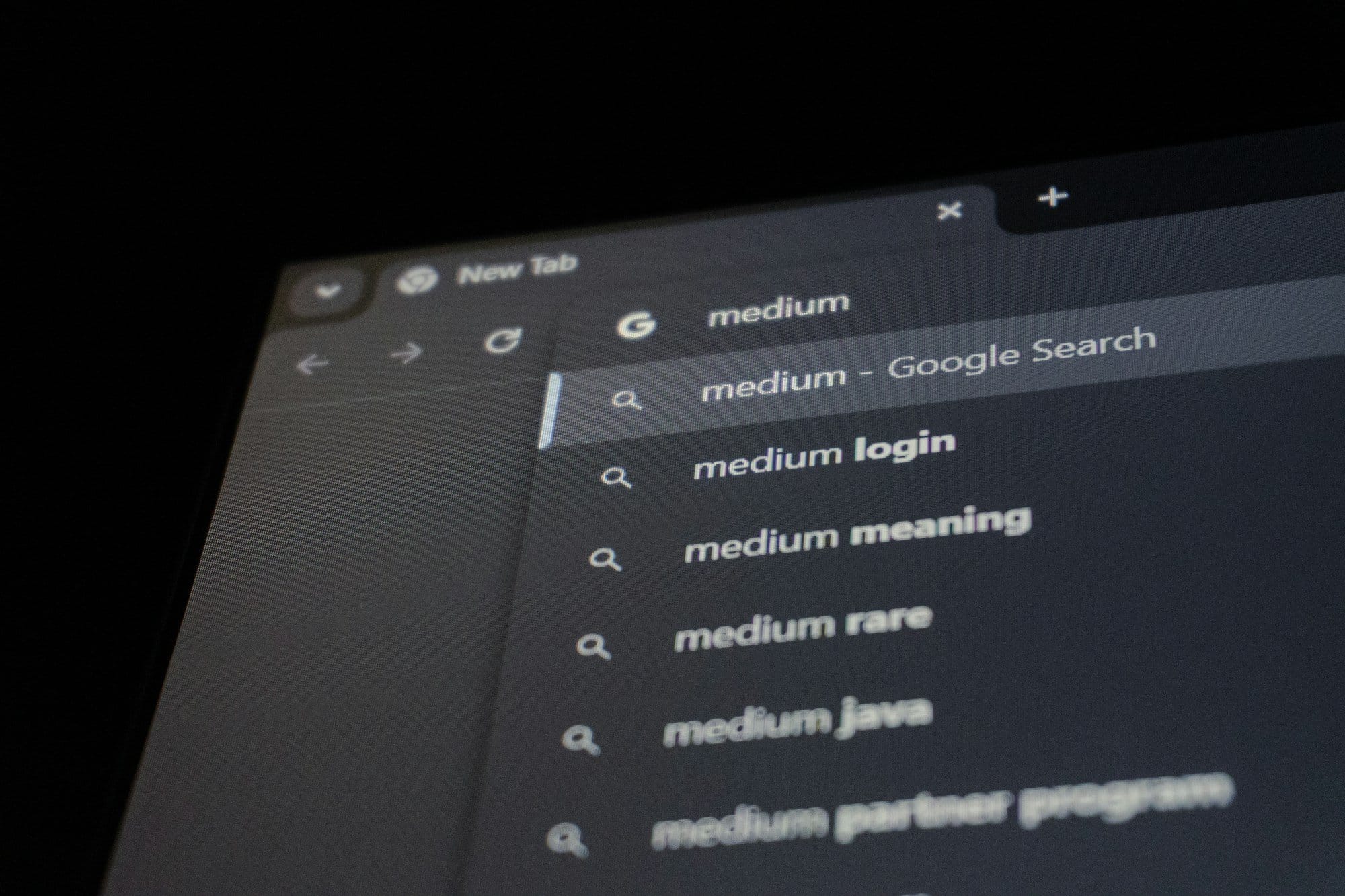
Photo by Zulfugar Karimov / Unsplash
A real search field should show the words being searched. Start with one name or one niche; do not turn the first query into a paragraph.
What the Browse Profiles page actually shows
We checked the live page rather than inferring features from an old article. The stable pieces are the page structure and card fields—not the totals.
A result card may include:
- a creator image;
- the label FANCLAN PROFILE;
- a green global-rank badge;
- display name and
@handle; - a shortened bio;
- up to three visible niche chips, with an overflow count when more are attached;
- a gender pill;
- and, on some cards, a country pill.
Not every card has every field. Missing country does not mean a creator is hiding something. A shortened bio is not the full pitch. An overflow number means there are more attached niches than the card can display; it is not a quality score.
The global-rank badge belongs to the ranking layer. If that is why you came, read how Fanclan rankings work. Search simply carries the badge onto a result card as context. This guide does not invent the ranking formula.

Photo by Tegan Conway / Unsplash
A signpost gives named destinations so you can choose a direction. It does not review everything you will find when you arrive.
How to run a useful Fanclan search
1. Open the page the nav actually uses
Go to Fanclan Browse Profiles. Bookmark that path if Search is your usual entry point. /search by itself is not the live browse page.
2. Start with a creator or one niche
If you know a handle, begin there. If you only remember part of a name, try the cleanest fragment rather than adding a platform name, city, price, and five descriptors.
If you do not know a person, use one niche. Cosplay is a useful example because it describes an aisle, not an identity investigation. Fanclan can form a query route under /search/profiles/<query>, which makes the result page easier to recognize in the address bar.
3. Read the card before opening it
Check the name and handle first. Then read the bio fragment and visible niche chips. Country can help distinguish two similar names when the creator chose to list it. Gender is a profile label, not permission to infer anything not stated.
Treat the rank badge as context, not proof. A high position does not verify identity, promise fresh posts, or guarantee a current subscription deal.
4. Open the profile and confirm the destination
Search is wayfinding. The public card helps you choose whom to inspect. Before subscribing, confirm the destination is the official platform domain and that the current name, handle, activity, and offer agree with what you expected.
Fanclan is not the paid content host. It does not make a result card equivalent to a verified badge. If a destination looks copied or misspelled, stop and use the fake OnlyFans account check.
5. Broaden before you pile on controls
If a name returns nothing, remove punctuation, try the core handle, or search one distinctive word from the display name. If a niche is too narrow, step back to a broader niche.
Do not solve an empty query by checking every available control. Filters exist, but this article is deliberately not a tour of age, gender, offers, niches, and sort orders. The filter stack already explains narrowing. Search begins with language: creator or niche.
Name search and niche search are different jobs
A name search is closer to lookup. You have a candidate and want the matching public card. Handle, display name, and bio fragment do most of the work.
A niche search is browse. You expect several possible people, so niche chips and card summaries matter more. You are not proving that every creator in the results uses the same label on every platform. You are building a shortlist.
If you already know the person and only need their other storefronts, use find the same creator across OnlyFans, Fansly, and ManyVids. If you want a curated niche aisle rather than a typed query, use how Fanclan Categories work. Search is the box you control.
What Fanclan Search is not
It is not OnlyFans native search. Fanclan is a public creator-discovery engine. OnlyFans is a membership platform. Different page, different purpose.
It is not the whole Fanclan discovery story. The parent guide explains why the public directory exists and how its named surfaces fit together. This page stays on Browse Profiles.
It is not a finder roundup. The Ultimate Only Fans Search Engine Guide and How to Find OnlyFans Creators Like a Pro already cover the broad search-engine/how-to lane. This article documents one current product page.
It is not the filter series reopening. We are not re-listing every control or teaching another age, price, body-type, or stacked-filter workflow.
It is not a verification tool. A card can organize public claims. It cannot prove a legal name, location, age, or ownership of every linked account.
It is not face search. Do not upload a stranger's picture to identify them. Do not use phone, email, people-search, or password-reset tricks. Search people who chose public creator profiles by the names and niches they publish.
It is not an unlocker. Search shows public profile information. It does not expose paid posts, DMs, or PPV.
FAQ
What URL does Fanclan Search use?
The main navigation opens https://fanclan.io/search/profiles. A typed query can become /search/profiles/<query>. The bare /search path is not the Browse Profiles page.
What can I type into Fanclan Search?
The field says Search creators or niches. Use a display name, handle fragment, or one niche. Start clean, then broaden spelling if the first result is empty.
What appears on a Fanclan result card?
Cards can show a creator image, FANCLAN PROFILE label, global-rank badge, name, handle, shortened bio, up to three niche chips plus overflow, gender, and sometimes country. Fields vary by card.
Are Fanclan search totals fixed?
No. Profile and match counts displayed by the live interface can change as the catalog changes. This guide intentionally does not preserve a snapshot as a permanent fact.
Is a FANCLAN PROFILE label a verified badge?
No. It labels a Fanclan profile card. Confirm the creator and current offer on the official platform before subscribing.
Is Search the same as Categories?
No. Search starts with words you type. Categories starts with Fanclan's browsable niche directory. They can lead toward similar profiles, but the entry point is different.
Does this guide cover all filters and sorting options?
No. That would duplicate the closed filter series. This guide covers the named Browse Profiles surface: query, cards, and the handoff to the official page.
Bottom line
Fanclan Search is not a mystery algorithm and not another list of finder sites. It is the current Browse Profiles page at /search/profiles: Find someone worth following, type a creator or niche, scan public cards, and choose a profile to inspect.
Keep the job narrow. Name or niche in. Profile cards out. Counts can move. Cards can summarize. Neither one proves identity or guarantees a live offer.
Search on Fanclan. Confirm on the official platform. Subscribe there—or keep browsing.